Go Native
You know React. Ship to iOS and Android without learning Swift, Kotlin, or Xcode. Your components, hooks, and routing patterns work here.

3M+ developers. 50K+ GitHub stars. Trusted in Production By:





Why React devs choose Expo
Expo is the React Native framework recommended by Meta, and it’s an excellent choice for web developers with React experience who want to build mobile apps.
Expo Skills
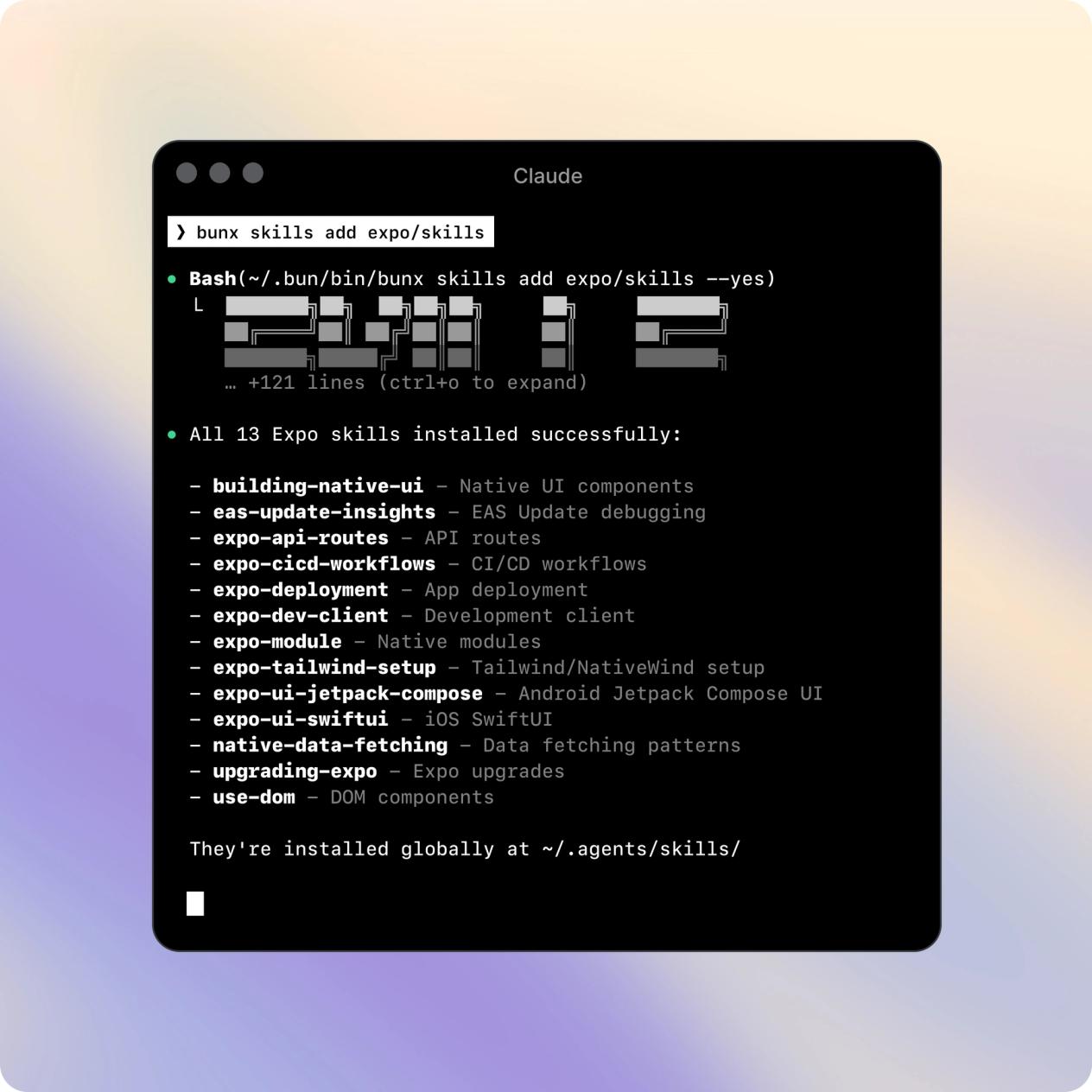
Install official Expo skills into your AI coding agent. Claude Code and Cursor can scaffold components, configure navigation, set up EAS builds, and debug native issues, using the same patterns you already know from React.
One codebase, multiple platforms
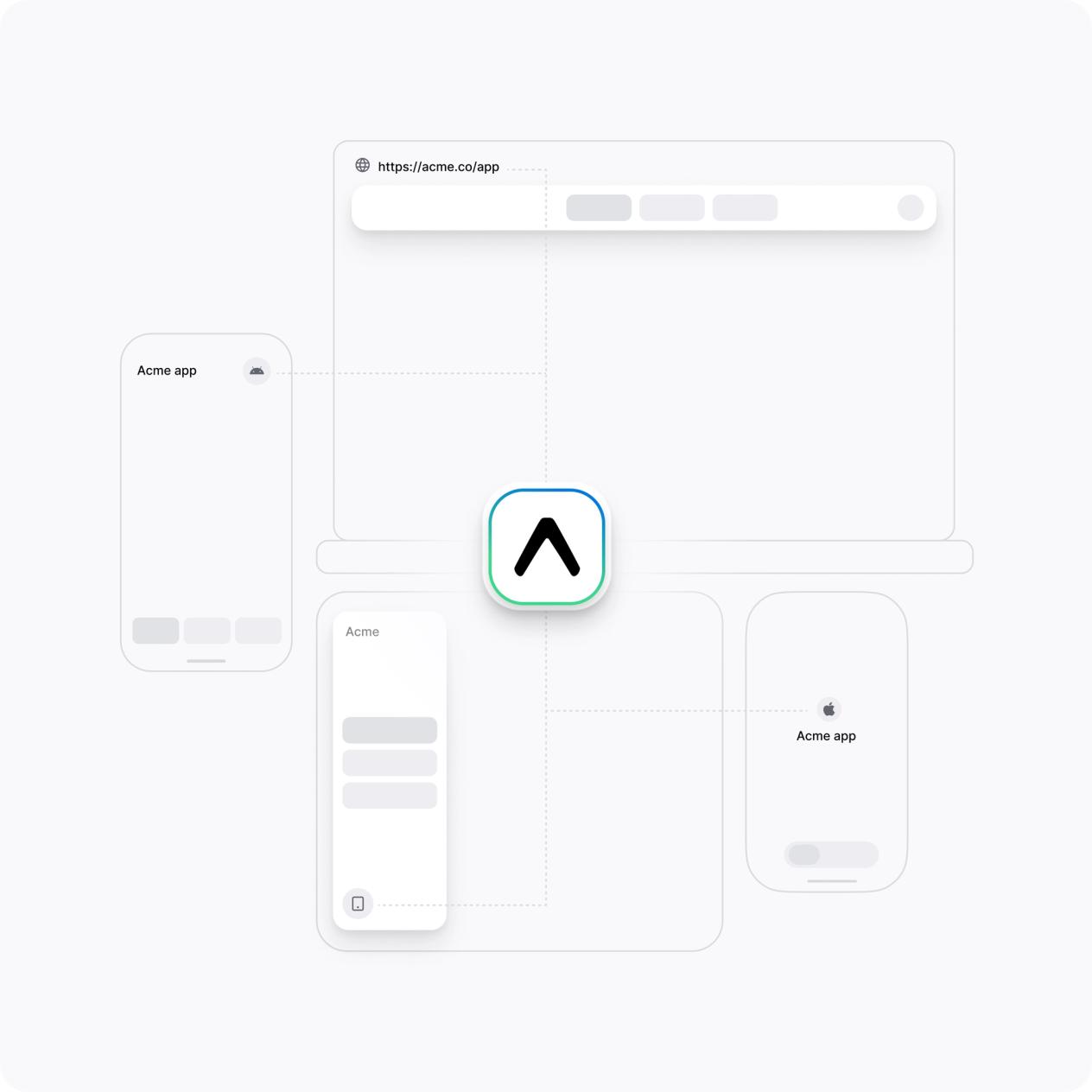
From a single project you can target iOS, Android, and web. With Expo Router and API Routes, even your navigation and backend logic can be shared across platforms.
Web Knowledge, Native Power
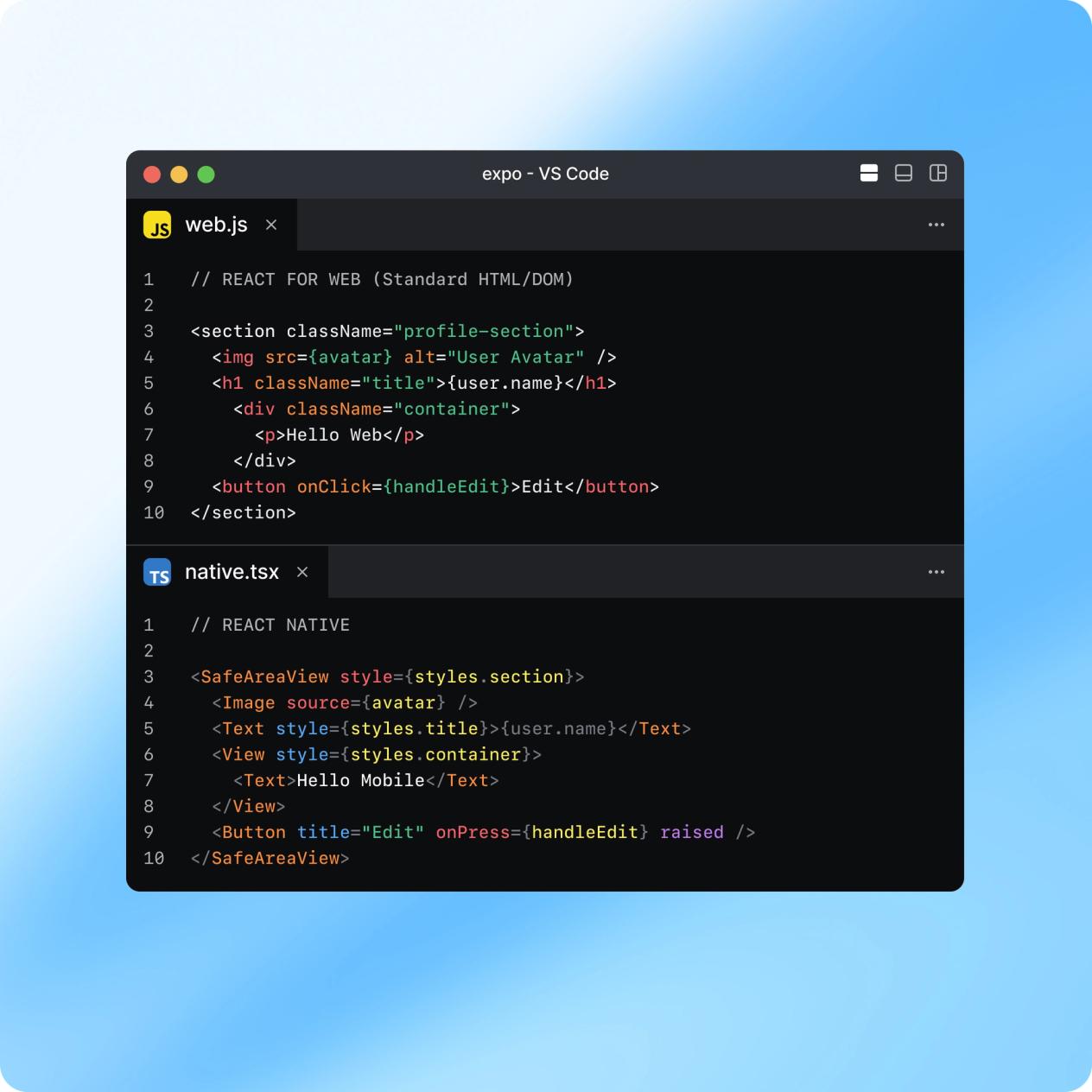
React Native uses the same component model, JSX, props, hooks, state, context. A <View> is a <div>. A <Text> is a <p>. Your muscle memory transfers. Just swap the tags and go.
React Native is truly native
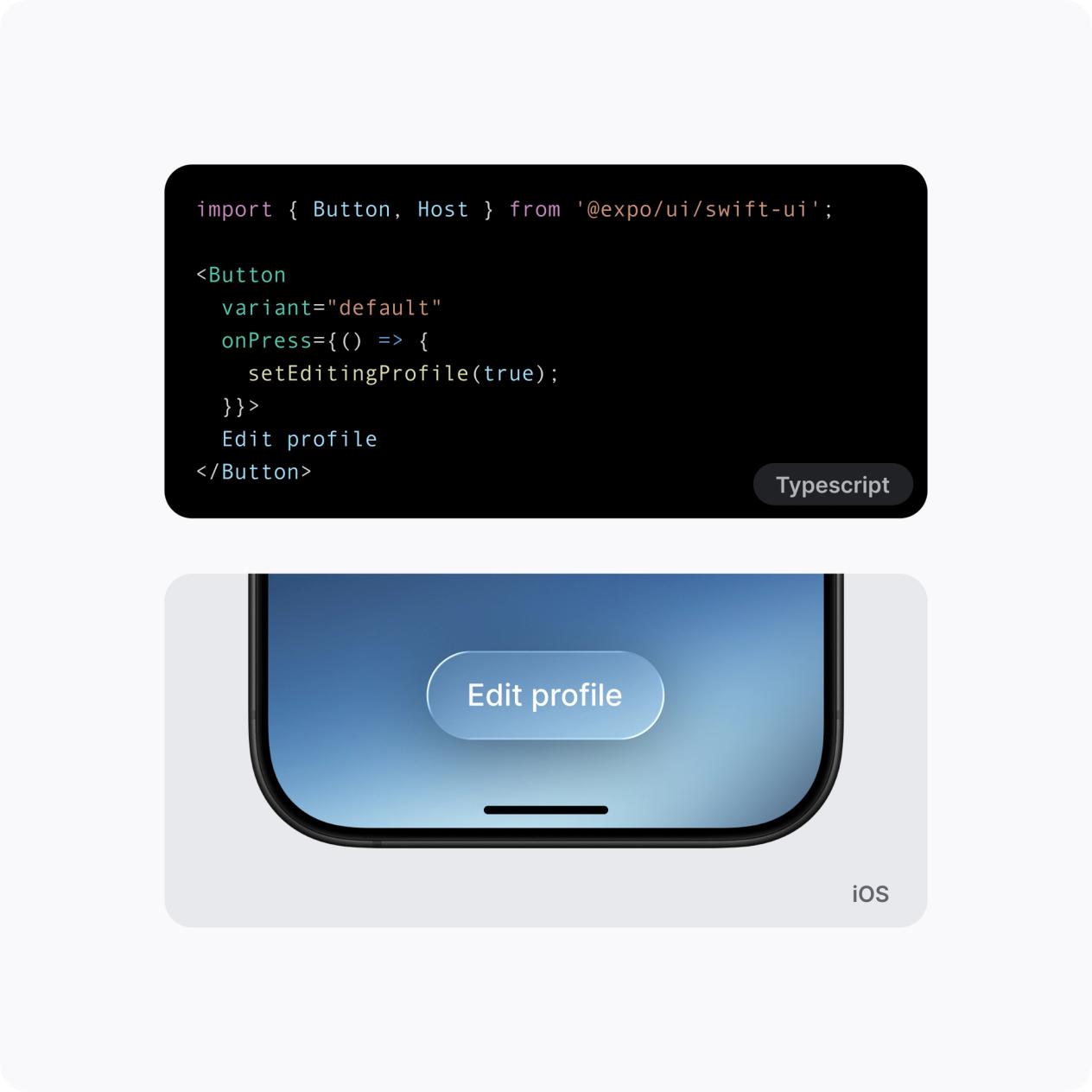
React Native renders to actual platform primitives, not webviews. Your components map to real iOS and Android UI elements, giving you the performance and polish users expect.
Expo makes Mobile easier
Expo is a 10+ year old open source framework for React Native. It includes more than 100 well-maintained libraries, top ranking dev tools, and services that automate the hardest parts of mobile development.
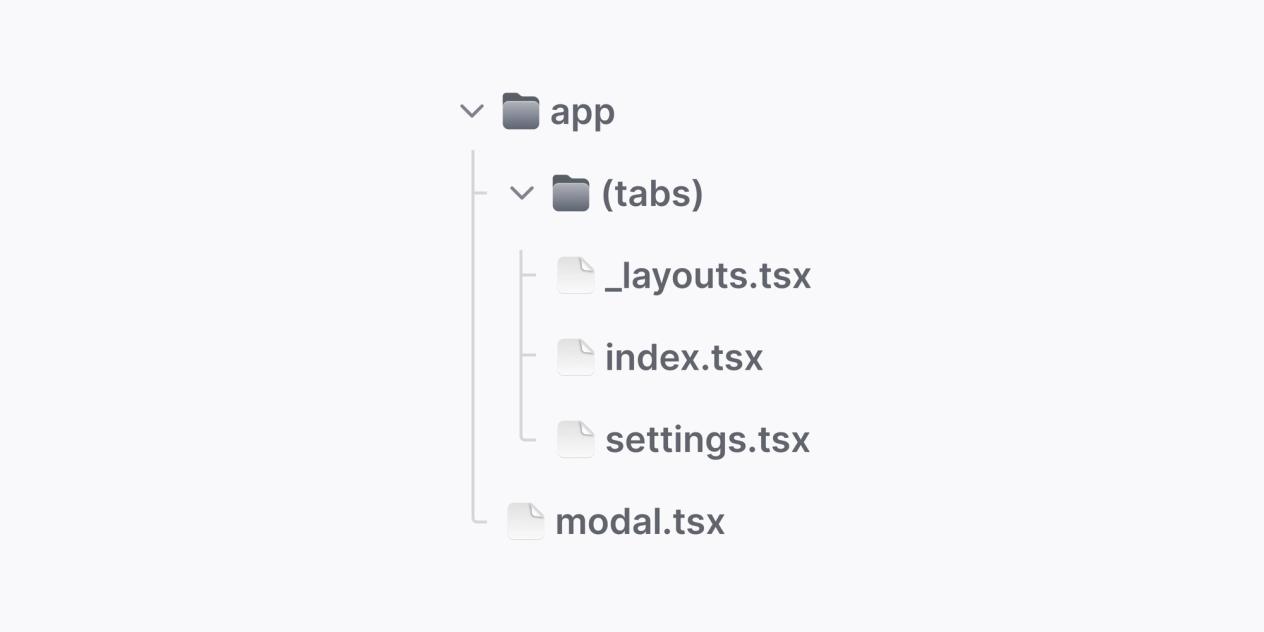
File-based Routing
File-based routing with Expo Router feels familiar if you’ve used Next.js.
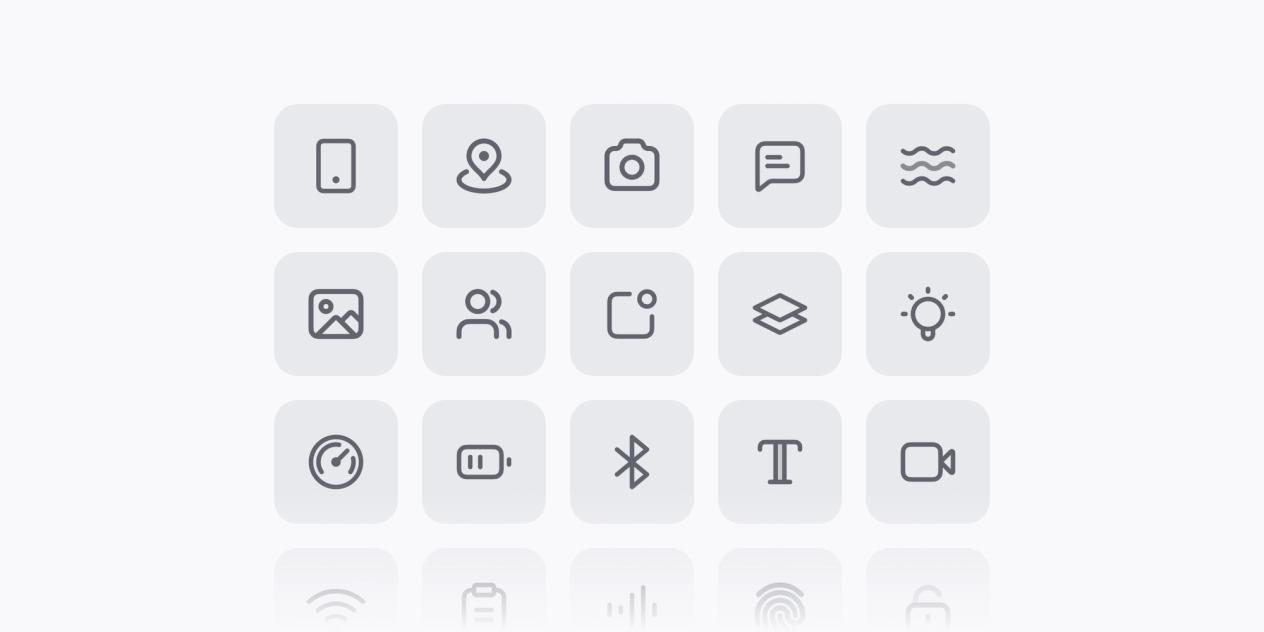
Native APIs
Native APIs like camera, push notifications, and file system are exposed as hooks and components.
Stay in your preferred IDE
EAS Build and Submit handle the heavy lifting of Xcode and Android Studio.

Open Source
The open-source model and fast iteration cycle mirror the best parts of the web development you know.
Coming from Next.js?
Transitioning from web development with Next.js to mobile development with Expo is much smoother than it used to be. Expo has adopted many web-standard patterns to make the experience feel familiar.
Architecture & Navigation
Expo mirrors the Next.js app/ directory for file-based routing. You'll swap next/link for expo-router Link and move your project settings from next.config.js into app.json.
Visuals & Styling
High-performance media moves from next/image to expo-image. For layout, NativeWind allows you to keep using Tailwind utility classes, translating your web styling habits directly to mobile.
Data & Backend Logic
Server-side patterns stay familiar: Next.js API routes become +api.ts files, while the logic once handled by getServerSideProps is now managed through React Server Components.
Deployment & Delivery
The move from Vercel's web deployment to the app stores is powered by EAS. Use eas build to compile your native binaries and eas submit to send them to Apple and Google.
From React to React Native in 12 Minutes
Reuse your React skills and build mobile applications. That dream shouldn't stay a dream, and I will show you how easily you can transition from React to React Native.
More Resources for React devs
Your first 30 minutes with Expo
Step 1: Create your first project
Learn moreStep 2: Learn about Expo Router
Learn moreStep 3: Follow the full tutorial, complete walkthrough
Learn moreStep 4: Read: From Web to Native with React
Learn moreStep 5: Install Expo Skills - AI assist
Learn more


