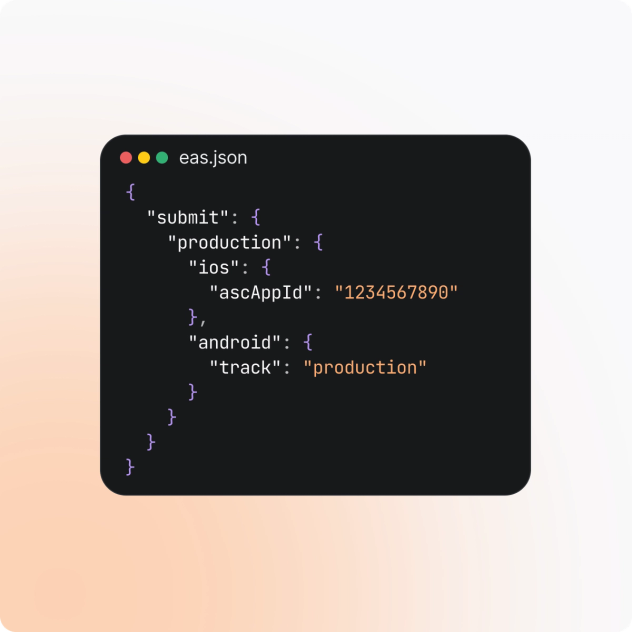
Ship to the app stores without the busywork
Upload iOS and Android builds to App Store Connect and Google Play from the command line, CI, workflows, or an AI agent. EAS Submit handles store authentication and binary uploads so releases can move from build to distribution without manual handoffs.
$ eas submit --platform all
Submit to both app stores
Send iOS and Android builds to App Store Connect and Google Play from one place. EAS Submit works with builds produced by EAS Build or elsewhere, so you can move from binary to store without juggling platform-specific upload tools.
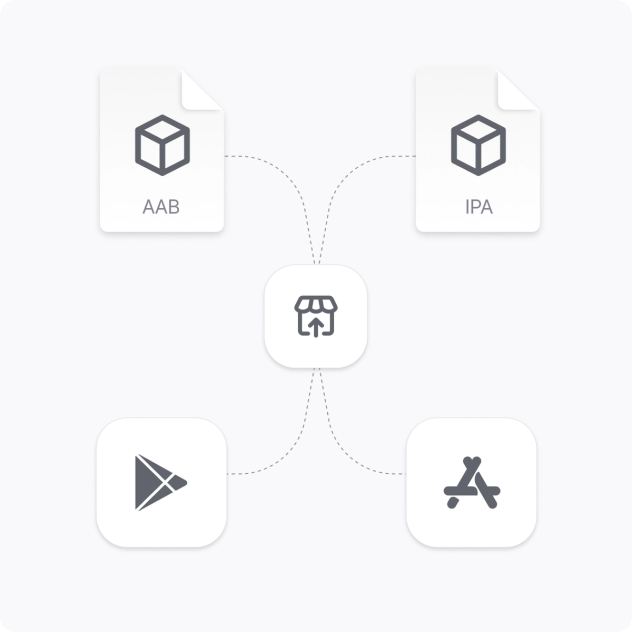
Automate the handoff
Make submission part of your release pipeline instead of a manual final step. Trigger submissions from the CLI, CI, EAS Workflows, or an AI agent, and send successful builds directly toward TestFlight or Google Play.
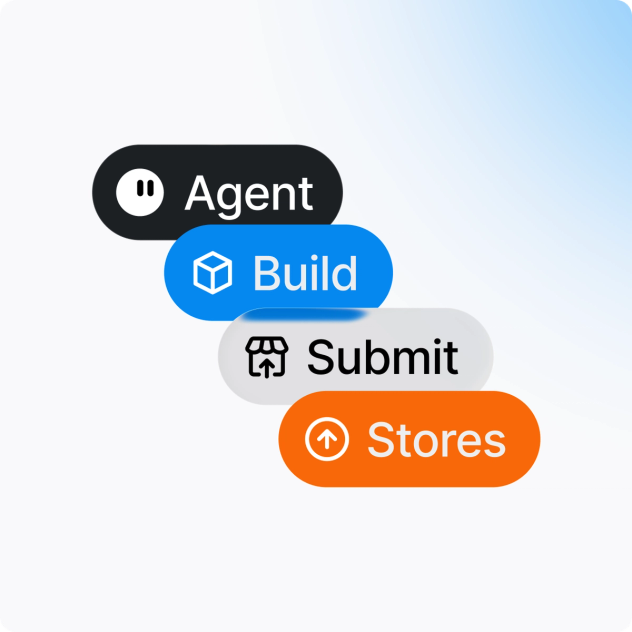
Configure once, reuse everywhere
Keep submission settings in eas.json and reuse the same profiles across local and automated releases. Define store credentials, release tracks, and submission behavior once, then use them consistently across environments.