Build apps in the cloud
Create signed iOS and Android builds for Expo and React Native apps without managing build infrastructure. Trigger builds from your terminal, CI, workflows, or AI agents. EAS Build handles the environment, credentials, signing, and native artifacts.
$ eas build --platform all
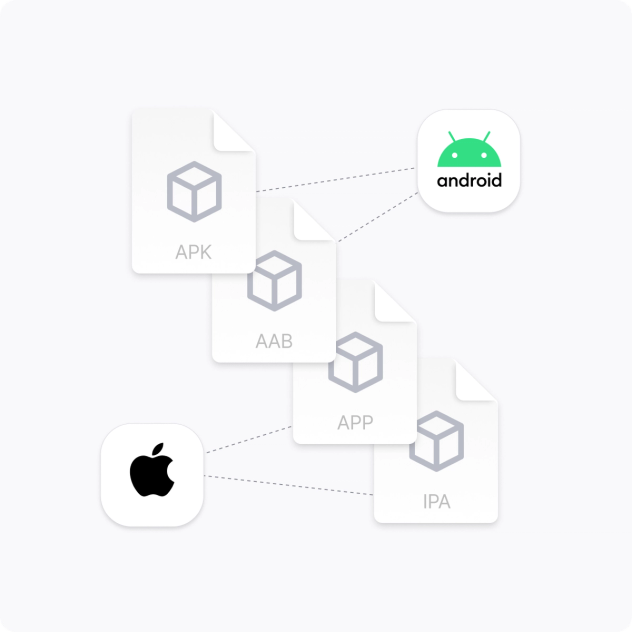
Build for iOS and Android
Create development, preview, and production builds from the same service. EAS Build runs your projects in consistent cloud environments and produces installable Android and iOS binaries, whether you're using Expo, React Native, or custom native code.
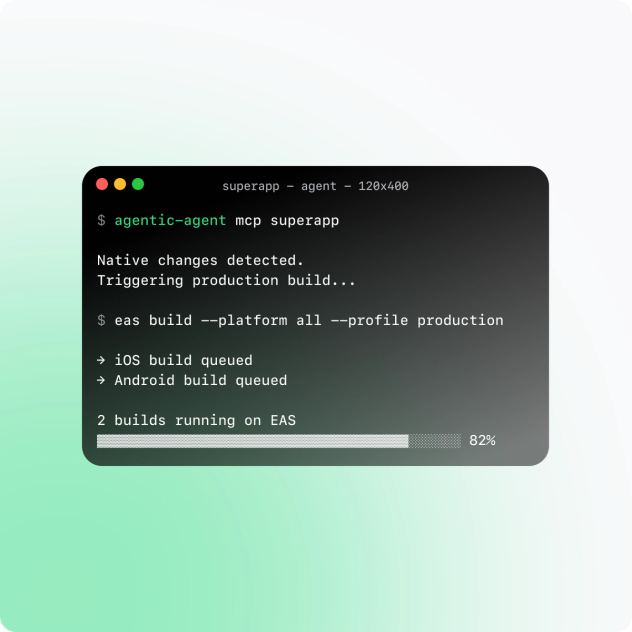
Built for developers and agents
Builds can start wherever your code does. Trigger EAS Build from the CLI, GitHub, EAS Workflows, your existing CI, or an AI coding agent. The same build infrastructure works whether a developer or an agent initiates the job.
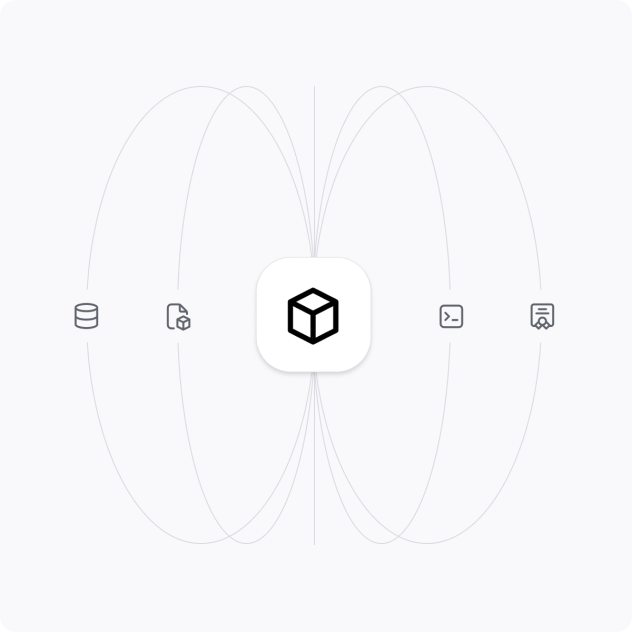
Native infrastructure, handled
Skip the work of maintaining build machines and signing infrastructure. EAS Build handles managed environments, caching, credentials, signing, and logs so your team can focus on the app instead of the build system.
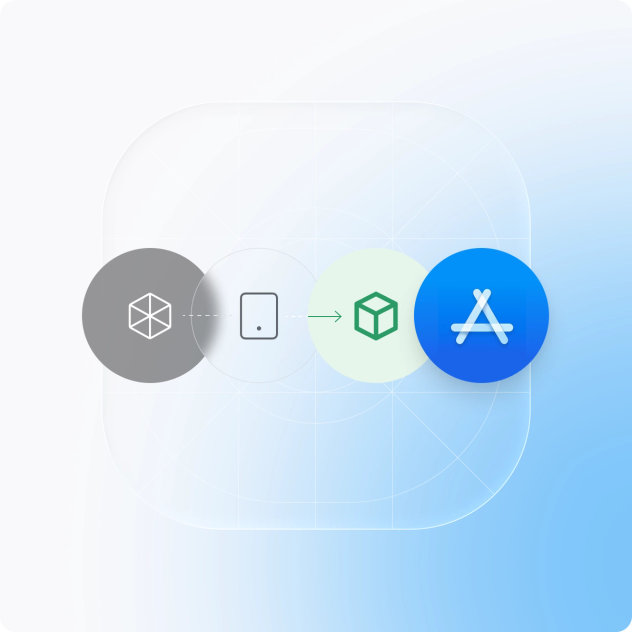
From build to release
Use the same build service from local development through production release. Create internal builds for testing and sharing, then generate signed production artifacts ready for EAS Submit, EAS Workflows, or your existing release pipeline.
Go deeper with EAS Build
Learn moreConfigure build profiles
Define development, preview, production, and custom configurations in eas.json.
Learn more