
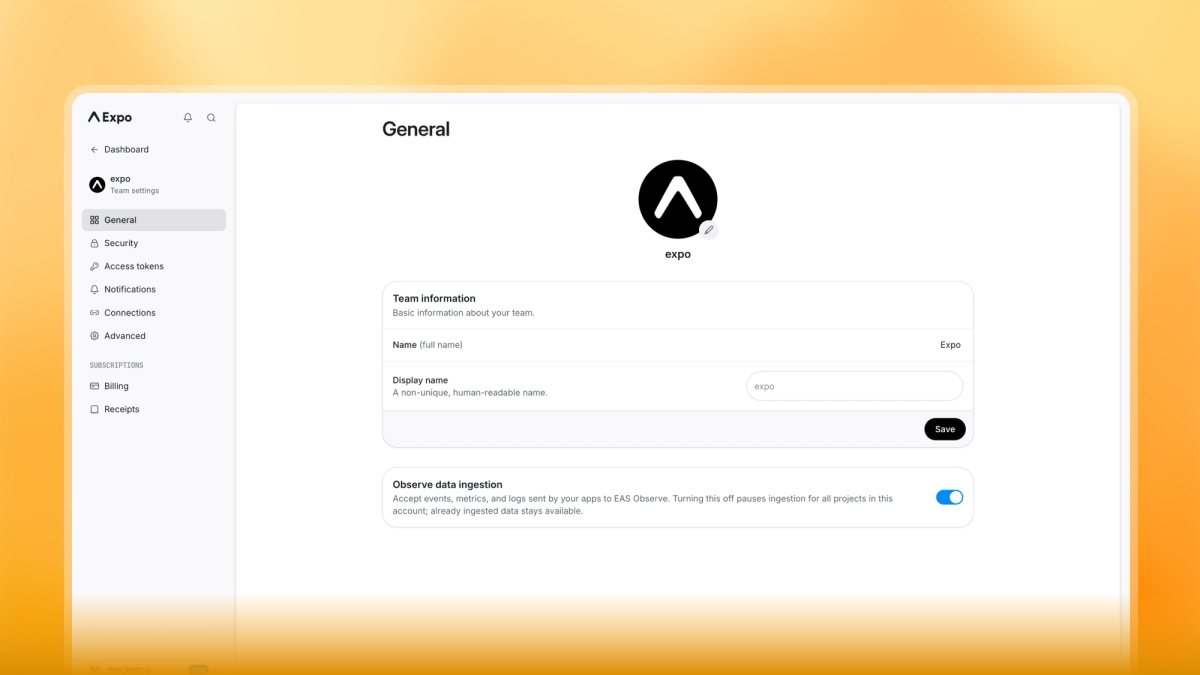
User, account, and project settings have a new design, with dedicated pages and a consistent sidebar to make settings easier to find.
- User settings: a refreshed General page, Authentication for sign-in methods and two-factor configuration, a standalone Security page, and an Advanced page for renaming and deletion.
- Account settings: a refreshed General page, and standalone Connections, Security, and Advanced pages. Billing, Receipts, Access Tokens, and Notifications have moved from the app-wide account sidebar into the account settings sidebar.
- Project settings: a refreshed General page, with dedicated Notifications, Connections, and Advanced pages. Credentials, Hosting, and GitHub have moved from the app-wide project sidebar into the project settings sidebar.
To view the new changes, visit the User Settings page and the account and project settings via the Settings sidebar entry on an account or project.