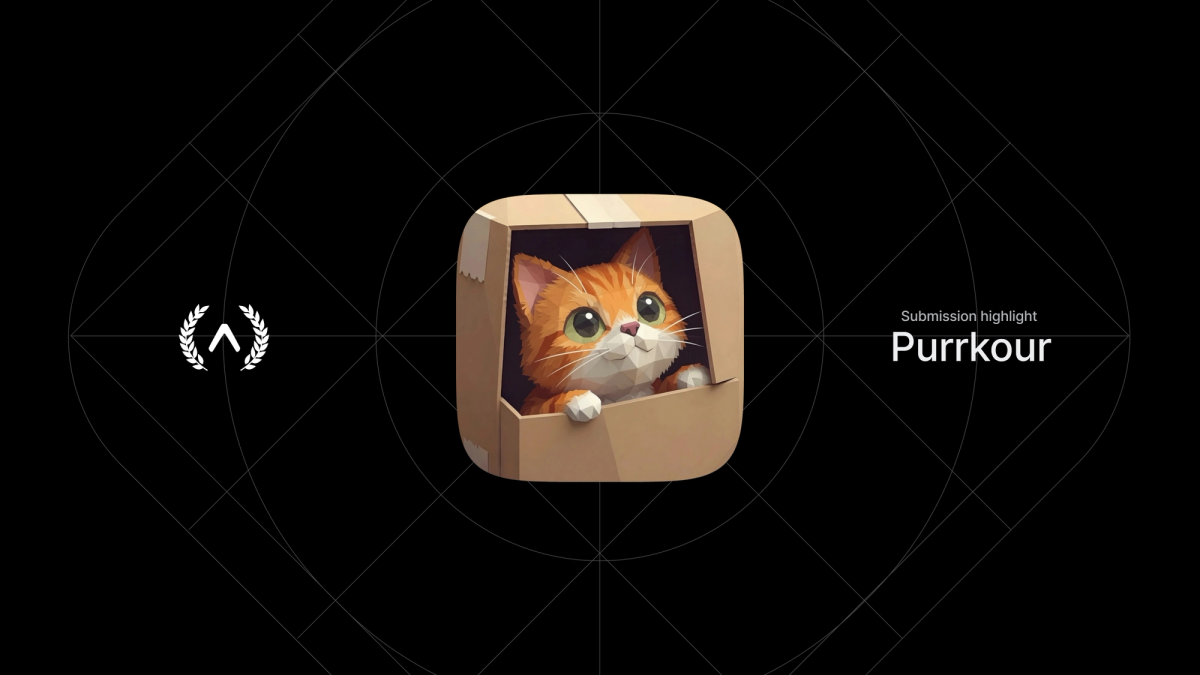
This is a guest post from Błażej Kustra, a Developer Relations Engineer at Software Mansion who works on Argent. He also built Purrkour, an Expo App Award submission.
…
If you've ever watched a cat squeeze into a box that's too small, you already get Purrkour. It's a cozy cat parkour puzzle on a 5x5 board: get every cat into a box ("if it fits, I sits"), jumping over other cats, plants and occupied boxes on the way.
The whole game renders with WebGPU inside an Expo app. There are no image files, no 3D models and no audio files. My first commit was July 21, 2026, and version 1.0.0 was App Store-ready on July 23, with ads, a privacy policy, EAS config and a web deploy, in 15 commits.
Why I built it
I'm a Developer Relations Engineer at Software Mansion, where I work on Argent, our toolkit that lets AI agents drive iOS simulators, Android emulators and Chromium apps. I like building things in my free time, and Purrkour is one of them.
I love cats and I love logic games, and a cozy cat puzzle had been in my head for a long time. The trigger was Konrad Reczko from the TypeGPU team building his own game and engine on TypeGPU. That felt like the perfect excuse to finally make mine.
What I wanted to prove: a GPU-rendered 3D game can be a normal Expo app. One codebase, shipped to the App Store and the web, with no game engine, no native graphics code and no asset pipeline.
The game also doubles as a real-world test of Software Mansion's open source stack: TypeGPU, react-native-webgpu (we contributed to it), react-native-audio-api, Reanimated and Gesture Handler.
Why Expo instead of a game engine
The obvious alternative was Unity or Godot with a web export. But I wanted the game logic, renderer and UI in TypeScript, sharing code with a website, with React Native UI around the canvas. I'm familiar with Expo, and it's the fastest way I know to get an app onto a real device.
TypeGPU is the key piece. The same typed shaders and render code run on WebGPU in the browser and on react-native-webgpu (Dawn) on device. Expo made the native side easy: prebuild, config plugins and dev builds.
Here's the whole lighting model. It's a TypeScript function that TypeGPU compiles to WGSL, and the same code runs in Chrome and on iPhone. The "use gpu" directive marks it as shader code.
Expo SDK 57 on the New Architecture (React Native 0.86) mattered too. react-native-webgpu and react-native-audio-api are both New Architecture native modules, and Reanimated 4 and Worklets require it. On SDK 57 they all sat together without workarounds.
One engine, two thin shells
The whole game lives in packages/engine: rules, solver, levels, meshes, renderer, audio and the play session. The Expo app and the Vite site are thin shells around it, so a bug fixed once is fixed on both platforms.
Day to day, the Expo app renders a react-native-webgpu <Canvas>, grabs its WebGPU context, and hands it to the engine's createSession(...). The engine doesn't know which platform it's on. Platform access is injected: a GPU canvas context, an AudioContext factory, and a localStorage-like store (MMKV on mobile, localStorage on web).
Everything you see is procedural low-poly geometry built from boxes and pyramids in TypeScript: cats in four colourways, a dachshund and a corgi, potted plants, yarn balls, and cardboard boxes. The soundtrack and the meow-like effects come live from oscillators through react-native-audio-api.
Around the canvas, the Expo app uses expo-font with Baloo 2 from Expo Google Fonts, expo-splash-screen, expo-system-ui, expo-keep-awake, expo-tracking-transparency and expo-build-properties, plus MMKV for progress, react-native-pulsar for haptics and Google Mobile Ads for optional rewarded hints.
Levels generated, then filtered by a solver
There are 25 levels. The first 10 were placed by hand and each teaches one idea (jumping, dogs, cats as obstacles). For the harder rows, a script rolls tens of thousands of random boards and keeps only the ones a BFS solver approves:
- Few pieces: 2 to 3 cats, 1 to 2 dogs, a few plants. Difficulty comes from the pieces interacting.
- Dogs must matter: the level has to be unsolvable with cats alone, and every dog has to move in the optimal solution.
- A tricky first move: many legal openings, few optimal ones, so the start isn't obvious.
Each row gets a par range, so difficulty climbs from a 1-move warm-up to a 20-move finale. A unit test re-solves all 25 levels, so every "Purrfect score" is a proven minimum. Hints show the next optimal move (on mobile through an optional rewarded ad, on the web after a 20-second cooldown).
Testing with an agent that can't see the board
I built Purrkour with Claude Code, and the agent used Argent to run the game itself on the iOS simulator and in Chrome, tapping through levels after every change.
That raised a problem I hadn't thought about. The board is a single WebGPU canvas, so there's no accessibility tree. To an agent, the whole game is one image. It could guess where a cat is from a screenshot, but it was unreliable. So I added a small debug bridge. In development builds it puts a __purrkour object on the global scope, both in the browser and in the React Native app:
cellScreen runs the same camera projection the renderer uses, so it returns the exact point on screen for any board cell. The loop looks like this:
- Ask the BFS solver for the next optimal move
- Ask the bridge where that cell is on screen
- Tap there through Argent: the simulator on mobile, Chrome on web
- Read
state()to check the cat actually moved, and take a screenshot to check it looks right
The solver makes sure every level is solvable, and Argent makes sure every level is playable. Together they were my whole QA team.
Results
Performance-wise, because it runs on the GPU, it holds 120fps. The game isn't very compute heavy, so that's less a benchmark and more proof the stack gets out of the way.
Purrkour feels done as a small, cozy game. If I add anything, it'll be a level editor or a daily puzzle, since the solver can already validate any board and compute its par. My Expo wish list has one item: WebGPU in Expo Go. Scanning a QR code and playing a TypeGPU game without a dev build would make WebGPU on React Native much easier to try.
It's never been easier to make a game in Expo. The WebGPU canvas is just another component, Expo handles everything around it, and the same TypeScript engine runs on the web for free. I went from first commit to App Store in three days.
If you've assumed a 3D game on mobile means Unity, try putting a react-native-webgpu canvas in a development build and see how far TypeScript takes you. Play Purrkour on the App Store or in your browser, and grab the code on GitHub.