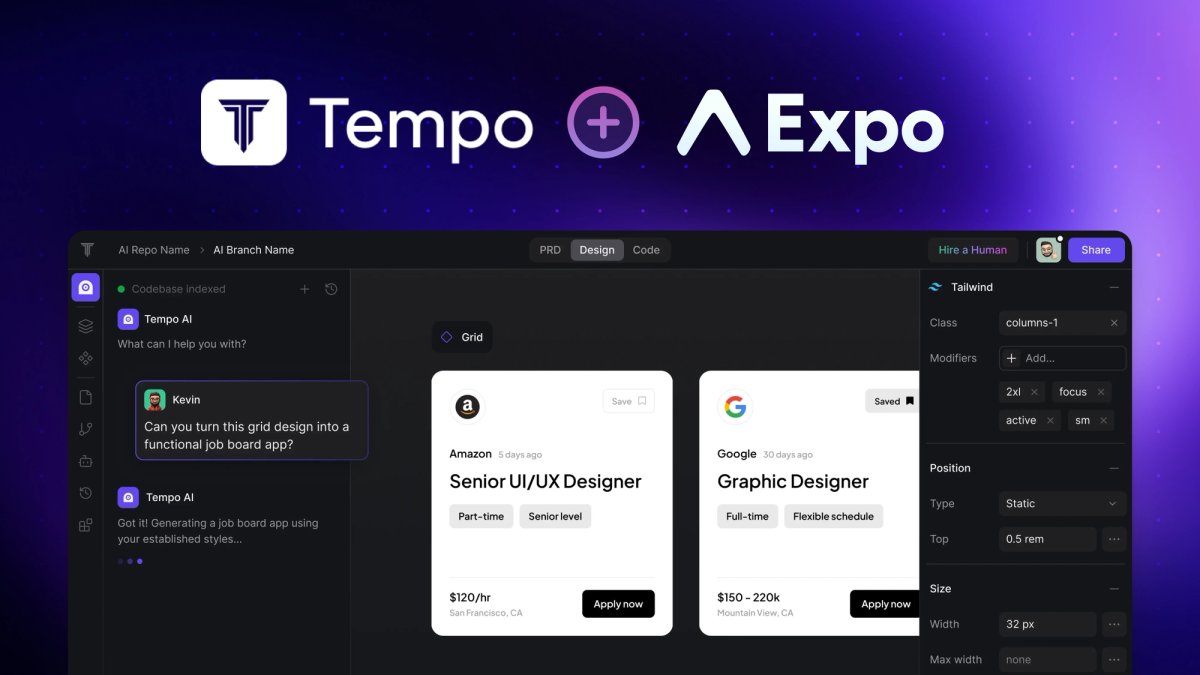
Hi there, I’m Kevin from Tempo, and I’m excited to share how our integration with Expo is changing the game for mobile app development. When we set out to build Tempo, our goal was simple: to create an environment where designers, PMs, and developers can truly collaborate without the traditional friction between design and code. Today, I’m proud to say that with Expo on Tempo, turning your ideas into production-grade mobile apps is not only possible—it’s fast and fun.
Why this Expo/Tempo integration matters
At Tempo, we believe that great ideas shouldn’t be slowed down by complex development processes. That’s why we built Tempo as an IDE that combines the best of a design tool with the power of a full-fledged AI code editor. With the integration of Expo, you get the best of both worlds: Expo’s streamlined mobile app framework and Tempo’s innovative tools.
Our platform lets you describe your vision in plain language, and our AI-powered tools, design panel, and Figma-to-Tempo plugin help bring that vision to life. Whether you’re a non-technical founder or a seasoned engineer, our tools are designed to speed up the process from concept to app store release.
A few key features that empower you
- Figma to Tempo Plugin: Seamlessly convert your Figma designs into working code. This integration bridges the gap between design and development, ensuring your creative vision is translated perfectly.
- Fine-Grain Design Panel: Enjoy pixel-perfect control over your app’s look without getting lost in the code—unless you want to dive deeper, of course.
- Chat Modes: Describe what you want in everyday language. Our AI chat assistant interprets your prompts, refines your ideas, and iterates on your design in real-time.
A simple path to building your app
I’m a big believer in simplicity. That’s why one of my favorite aspects of our Expo integration is how easy it is to get started. Here’s how you can jump right in:
- **Create a New Project:** Head over to Tempo and start a new project.
- Select “Expo” as Your Framework: This one simple step sets everything in motion, giving you all the tools you need to build your mobile app.
- Check out our User Guide for a full tutorial of getting set up and deploying.
- Let Your Ideas Flow: Describe your vision, upload your Figma designs, and use our intuitive design panel to tweak every detail. Watch as your app comes to life before your eyes.
Final Thoughts
Our mission at Tempo is to empower teams to innovate faster. With Expo integrated into our platform, you’re not just building an app—you’re redefining how ideas turn into reality. Whether you’re building a prototype or a full-fledged production app, Tempo gives you the flexibility and control you need, all in one place.
I invite you to experience this new version of mobile app development. Give it a try and see how effortlessly you can go from idea to app store in minutes.
Get started now: Create a new project on Tempo and select “Expo” as your framework.
Thank you for being a part of our journey. Happy building!