This is a guest post from Liam Du - the founder of Wellspoken and passionate advocate for better communication.
…
I was in a meeting trying to explain a product idea to my team. The concept was clear in my head - I'd thought it through, I knew it made sense - but as I started talking, the words came out wrong. I backtracked. Tried again. Lost my train of thought.
My co-worker stopped me. "I don't understand."
I tried again, rephrasing it differently. Still a mess. It kept happening. Multiple times in the same meeting. I could feel myself getting more flustered with each attempt, which made the articulation worse, which made me more flustered. It was honestly embarrassing.
I knew what I was trying to say. The ideas were clear. The problem was the gap between my thoughts and my ability to express them clearly, especially under pressure or when I was nervous.
For a while, I thought this was just me. But then I started noticing it everywhere. Smart people who clearly know what they're talking about but can't quite get it out cleanly in conversation.
So I looked for tools to help with this. I found speech coaching (expensive), public speaking courses (wrong problem), and apps focused on voice projection or stage presence (wrong format). Nothing addressed what I actually needed: getting better at structuring thoughts on the fly during everyday conversations.
So I decided to build an app - a gym for your articulation. Daily bite-sized exercises that train the cognitive skill of organizing thoughts in real-time and expressing them clearly.
I named it Wellspoken.
Why I chose Expo to build this app
I gave myself just one week to ship on both iOS and Android. As a solo developer doing both design and engineering, I couldn't afford to waste time on infrastructure or platform-specific issues. I needed to focus on building the actual product. Expo let me do that:
- No native development required: The Expo SDK gave me access to native features without writing Swift or Kotlin. Audio recording, file system access, notifications—all handled through clean Typescript APIs.
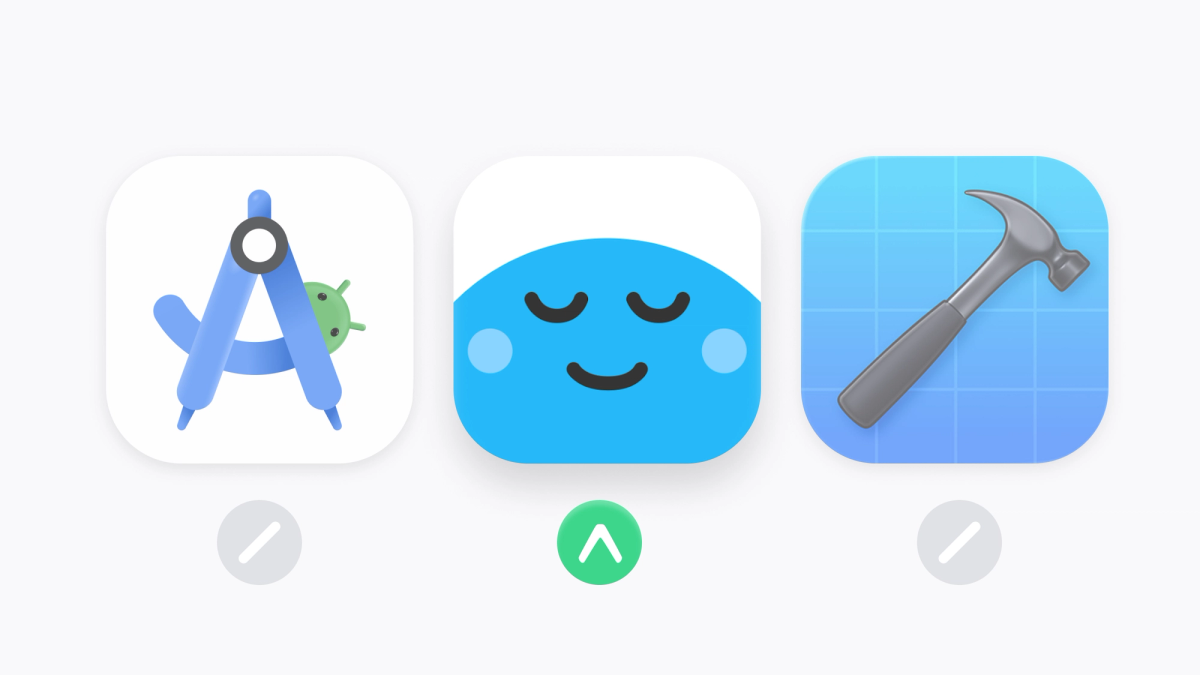
- No build configuration hell: EAS Build handled all the platform-specific compilation. I never opened Xcode / Android Studio once.
- No certificate management: Provisioning profiles, signing certificates, keystores—EAS handled all of it automatically. I simply followed the command line tutorial, and I was done.
- Fast iteration after launch: OTA updates meant I could fix bugs and push improvements without waiting for app store reviews. Push an update, users get it on next restart. This saved me multiple times in the first week after launch. As a solo dev with a tight timeline, not having to context-switch into native development or deal with credential management made the difference between shipping and getting stuck in setup hell.
The function and architecture of Wellspoken
Core features:
- Personalized practice sessions (mock interviews, topic explanations, role-playing scenarios)
- AI-powered speech analysis that identifies where you lost focus or struggled
- Daily 5-minute exercises
- Progress tracking and streaks
- Subscription paywall with free trial
Tech stack:
- React Native + Expo SDK 54
- TypeScript
- Langchain OpenAI API for speech analysis
- Assembly AI for transcription
- RevenueCat for subscriptions
- EAS Build, Update, and Submit
How I implemented Expo
Let me walk through the core Expo features I used and how they made building Wellspoken significantly easier.
1. expo-audio: The core recording experience
Audio recording is the foundation of Wellspoken. Every practice mode requires high-quality audio capture, and I needed it to work consistently across iOS and Android without writing any native code.
expo-audio made this straightforward with a clean hooks-based API:
Why this is great:
useAudioRecorderhook manages all the stateRecordingPresets.HIGH_QUALITYhandles platform-specific encoding configs- Same code works on iOS and Android
- No native module configuration needed
I use this RecordingButton component across all practice modes—Q&A, Framework Practice, Speed Breakdown, Freeform. Write it once, use it everywhere.
Audio playback is just as clean:
The useAudioPlayer hook automatically manages playback state, and useAudioPlayerStatus gives you real-time updates on playback progress.
2. expo-camera: Daily 60 video practice
One of Wellspoken's features is "Daily 60"—a 60-second video practice where users record themselves explaining a topic. This required front/back camera switching, video recording, and camera permissions.
expo-camera handled all of this:
What made this easy:
useCameraPermissionshook handles permission state management- Camera flip is just changing the
facingprop recordAsyncwithmaxDurationautomatically stops at 60 seconds- Same camera UI code works on iOS and Android
The alternative would've been writing native camera code in Swift and Kotlin separately, dealing with different permission systems, and managing two codebases. expo-camera turned what could've been a week of work into a day.
3. expo-notifications: Daily oractice reminders
Getting users to come back daily was critical for Wellspoken. I needed push notifications for practice reminders, but I didn't want to deal with APNs configuration, FCM setup, or managing device tokens manually.
expo-notifications handled everything:
The onboarding screen for permissions:
Why this is great:
getExpoPushTokenAsync()gives you a universal token that works on both iOS and Android- No dealing with APNs certificates or FCM configuration
- Expo's push service handles the complexity of routing notifications to the right platform
- Permission requests are unified across platforms
On the backend, I just send notifications to Expo's push API with the token, and Expo routes them to APNs or FCM automatically. No maintaining separate codebases for iOS and Android push notifications.
4. expo-secure-store: Protecting user tokens
I needed to store authentication tokens securely. AsyncStorage is fine for non-sensitive data, but auth tokens should be encrypted at rest.
expo-secure-store made this trivial:
What makes this better than AsyncStorage:
- Encrypted storage on both iOS (Keychain) and Android (EncryptedSharedPreferences)
- Same simple API as AsyncStorage:
getItemAsync,setItemAsync,deleteItemAsync - Automatic platform-specific encryption without any configuration
- Tokens persist across app updates and restarts
- I use AsyncStorage for user data (name, email, preferences) and SecureStore exclusively for the auth token
The API is so simple that migrating from AsyncStorage to SecureStore took about 5 minutes. Just change the import and you get encryption for free.
5. expo-haptics: Tactile feedback everywhere
This might seem minor, but haptic feedback made Wellspoken feel significantly more polished. I use it throughout the app to give users tactile confirmation of their actions.
I use haptics in:
- Every button press
- Recording start/stop
- XP gains and level-ups
- Pull-to-refresh
- Camera interactions
- Navigation gestures
It's a tiny detail, but it makes the app feel responsive and intentional. The API is dead simple—just one line of code per interaction—and it works consistently across devices.
6. EAS Update for fast iteration
After launch, I found a bug in the onboarding flow. In the old world, I'd need to fix it, rebuild, submit to both app stores, wait 2-3 days for review, then wait for users to update. With EAS Update, I fixed it and pushed the update in 15 minutes.
Configuration in app.json:
eas.json setup:
Pushing an update:
That's it. No recompilation, no app store submission. The update goes live immediately and users get it on their next app restart.
I set up separate channels for preview and production so I could test updates before pushing to all users. This saved me multiple times in the first few days—small UI bugs, copy changes, and edge cases I didn't catch during testing.
7. Other Expo modules I used
expo-video - Video playback for reviewing Daily 60 recordings with useVideoPlayer hook.
expo-file-system - Uploading recorded audio and video files to S3. Simple file operations without dropping into native code.
expo-apple-authentication - Apple Sign-In implementation took about 30 minutes to set up.
expo-image-picker - Selecting videos from the photo library for Daily 60 practice.
expo-font - Loading custom Manrope fonts with @expo-google-fonts/manrope.
All of these worked out of the box with zero native configuration. That's the power of Expo's managed workflow.
Application adoption and revenue
Early metrics after a month:
- 400+ users
- $500+ in revenue
- First paying customer within 24 hours of launch
The speed to market mattered. I was able to validate the idea quickly, start gathering real user feedback, and iterate based on actual usage patterns instead of assumptions. OTA updates meant I could fix issues in real-time without waiting for app store reviews. The reviews, by the way, have been super encouraging:
What I learned building with Expo
Expo's SDK is production-ready. I was initially worried about hitting limitations with audio/video recording or camera functionality, but expo-audio and expo-camera handled everything I needed. The APIs are clean, well-documented, and work consistently across platforms.
Push notifications without the pain. expo-notifications removed all the complexity of APNs and FCM configuration. Getting a push token and sending notifications took maybe 30 minutes total instead of hours of certificate management.
Security can be simple. Switching from AsyncStorage to expo-secure-store for auth tokens was a 5-minute change that gave me encrypted storage on both platforms. Sometimes the secure option is also the easiest option.
Start with EAS from day one. I didn't try to DIY my build pipeline and migrate later. Starting with EAS Build, Update, and Submit from the beginning saved me hours of infrastructure work.
Hooks-based APIs are great for React developers. useAudioRecorder, useAudioPlayer, useCameraPermissions—these felt natural coming from React. No weird imperative APIs or class-based components.
I should have written tests. I shipped with no automated tests to hit the timeline. It worked because the app is small, but I've already shipped a few regression bugs that tests would have caught.
Small polish details matter. Adding haptic feedback everywhere took maybe an hour total, but it made the app feel significantly more responsive and intentional. These tiny touches add up.
Wrapping Up
Of course, Expo didn't build the product - I still had to design something useful and write clean code. But it removed all the friction that usually comes with mobile development. No certificate management, no platform-specific build issues, no multi-day wait times for simple fixes.
For solo devs trying to ship fast, Expo is the obvious choice. It lets you focus on building something people want to use instead of fighting with tooling.
The app is live now. If you struggle with articulation like I do, or if you're curious about the implementation, check it out or reach out with questions.