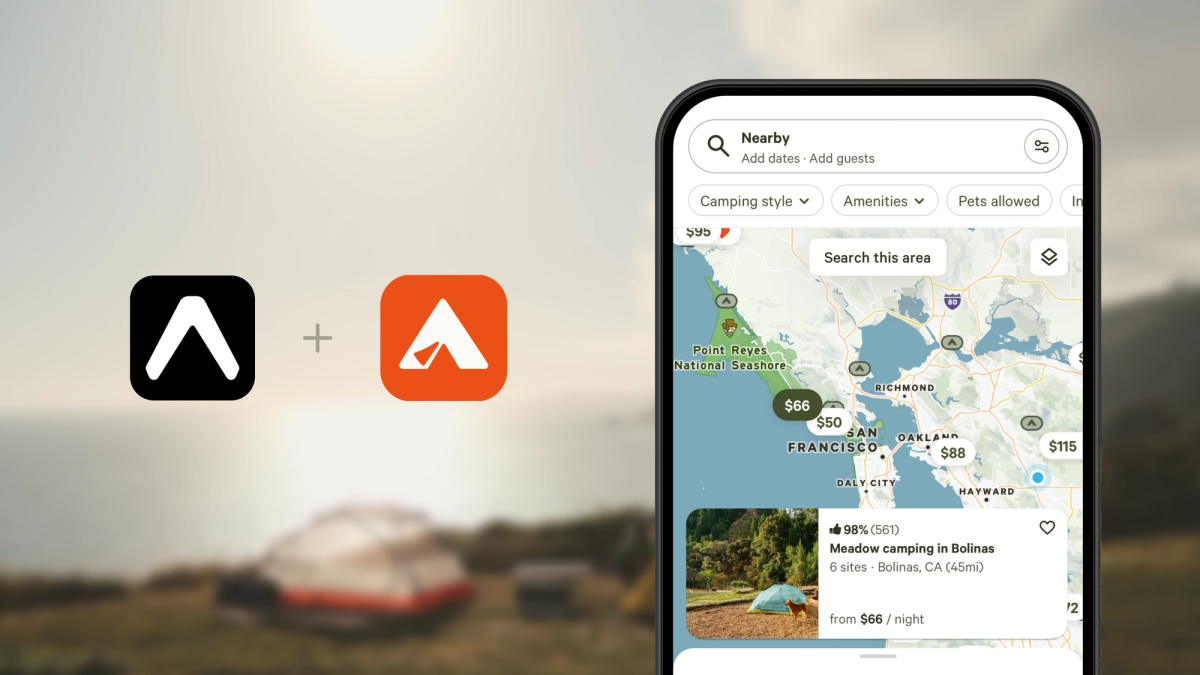
This is a guest post from Armaiz Adenwala and Tom Podlipni - both are software engineers at Hipcamp. Armaiz is responsible for the mobile app experience and Tom owns CI/CD and dev tooling for the whole eng team.
...
For years, Hipcamp relied on App Center for builds and releases. When Microsoft announced its sunset, we needed a replacement that could handle native builds and over-the-air (OTA) updates. Our requirements were simple:
- Fast, reliable native builds for iOS and Android
- Seamless OTA update capabilities
- Simple integration with our existing workflows
After evaluating various options, we chose Expo and its cloud services. It not only met all our requirements but also opened up opportunities to streamline our entire release process.
About Hipcamp
Hipcamp is the #1 app to discover and book campsites, from national parks to blueberry farms. Hipcamp brings together the world’s camping options across peaceful private spots, iconic public lands, and well-equipped campgrounds to create one app that has everywhere you want to camp. Download now
Expo Build: A fully optimized process
One of our biggest wins was build speed. App Center builds took around 60 minutes and frequently timed out for iOS, making them unreliable. Expo's Build service delivers consistent 10-minute builds, a 6x improvement that significantly accelerated our development cycle.
Automating the Build Process
To make builds even easier for our team, we created a custom yarn command that handles the triggering of the Expo's Build workflow. The script prompts for:
- Environment (staging, production, etc.)
- Build type (QA vs. release candidate)
- A human-readable message describing the build
After pre-checks pass, the workflow builds iOS and Android, submits iOS to TestFlight, and sends success notifications.
Unlike other build alternatives like Github Actions, this workflow was extremely simple to create. With Expo's services being mobile-focused, our runners are always optimized for our current SDK along with most of the build complexities being abstracted away.
When a build completes, we automatically post a notification to our Slack channel with all of the information anyone needs in order to test:
- TestFlight build number (iOS)
- Direct APK download link (Android)
- Pre-filtered Sentry error monitoring link for that specific build
- Slack + Asana integration to automatically create a bug ticket for the build using the ticket reaction
This workflow transformed our process. Anyone in the organization can review and provide feedback on builds without engineering support, while specific teams maintain a feed of pending features for QA and approval.
Expo Updates - From monthly releases to daily
OTA updates have become a cornerstone of our mobile development workflow. App store reviews can take days, but with over-the-air updates, we can deliver fixes and new features instantly, much like how our team ships web to production.
In the past, we used AppCenter’s CodePush sparingly, since it was too unreliable to depend on for day-to-day releases. Expo’s OTA Update service changed that. It’s stable, predictable, and easy to trust. This means we can ship more often, respond faster to feedback, and keep improving the app without waiting on store approvals.
Our release branch strategy
We maintain a dedicated release branch that represents the current production state:
- Cut a new release branch for each native release
- After merging changes to our main branch, our CI/CD pipeline automatically determines if they can be OTA'd
- Eligible changes are cherry-picked to the release branch and deployed via Expo Updates
OTA eligibility detection
We use expo-fingerprint to automatically detect OTA-compatible changes. This tool performs a deep analysis of native dependencies and generates a unique fingerprint. If a cherry-picked commit has the same fingerprint as the release branch, it means there are no native changes and we can safely OTA the update.
This automation has been critical: it eliminates manual checks and potential human error in determining OTA eligibility.
OTA process overview
Once the pipeline approves an OTA update, our custom script:
- Triggers the OTA to Expo
- Uploads Sentry sourcemaps and creates a new release using the update ID
- Additionally, the mobile app automatically configures sentry to point to the latest Expo Update ID
- Updates our Github releases and tags with direct links to the Expo Update dashboard and Sentry issues for this release
The impact of over-the-air updates with Expo
This workflow has transformed how we ship mobile features:
- Fewer native releases: We significantly reduced the number of app store submissions
- Web-like deployment cadence: Mobile releases now happen at the same pace as web releases
- Faster incident response: We can quickly identify and roll back broken deployments
- Reduced stress: High-pressure emergency native releases to fix production bugs are now rare
Conclusion
Adopting Expo created ripple effects across our entire team:
- Engineers spend less time debugging build issues and waiting for slow builds to complete.
- Product managers see features deployed to production immediately, enabling faster iteration and feedback loops.
- Designers can review features on their own devices asynchronously, without always needing coordination with engineering.
- On-call engineers can address production bugs quickly without the stress of emergency app store releases.
Expo's combination of reliability, speed, and flexibility made it the clear choice for Hipcamp. EAS Builds cut our build times drastically while Expo Updates enabled web-like deployment velocity for our mobile apps.
If you're considering Expo for your React Native project, we can confidently say: we made the right choice.
Want to help get more people outside? Join us at Hipcamp.