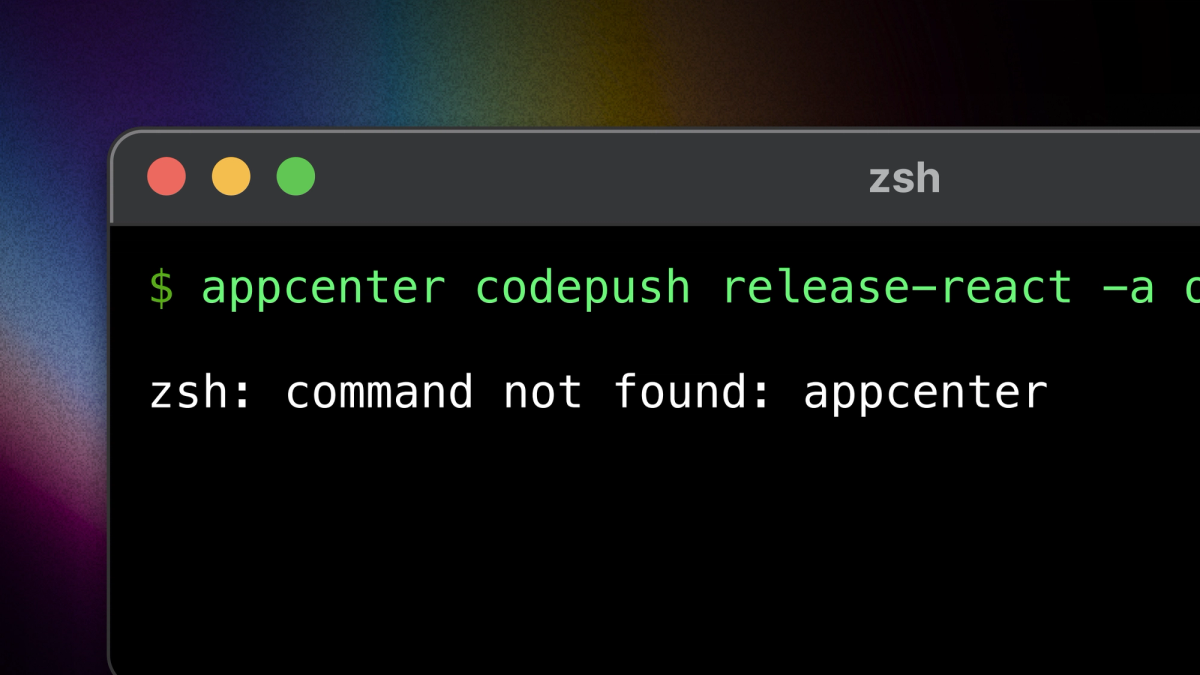
On March 31, 2025 Microsoft App Center shuts down. At that same time CodePush as we know it will disappear as well.
The options for replacing CodePush with another over-the-air update service are limited:
- Adjust your workflow to not use OTA updates anymore.
- Wait to see what kind of self-hosted version of CodePush is offered.
- Use the open source expo-updates module. Implement and host your own server that conforms to the Updates V1 Protocol.
- Use EAS Update
When choosing the best option, consider these factors:
- Maintenance: Self-hosted options like standalone CodePush or a DIY server compliant with
expo-updatesneed ongoing upkeep. Make sure your team can handle this. - Scalability: EAS Update offers easy scaling and regular support.
- Ease of Transition: If you're already using CodePush, the standalone version might be easier to switch to with fewer changes. EAS Update might take more setup but offers long-term support.
This article covers the key features of CodePush that users depend on and explains how you can achieve the same results using hosted services like EAS Update or an open-source alternative.
Deployments
A Deployment in CodePush is a versioning environment where you can release updates to your app's code. Common deployment environments are "Staging" and "Production," but you can create additional environments if needed. An app binary subscribes to a deployment environment. When releasing an Over-The-Air (OTA) update, you target a particular deployment environment. Typically, you'd first deploy to Staging for testing and, once verified, promote the update to Production.
In EAS Update, the process is slightly different but serves a similar purpose:
- Your App Binary will subscribe to a Channel instead of a deployment environment. Common deployment environments are "Staging" and "Production".
- Updates are published to a Branch. Branch names are commonly named the same as your Git branch, like “main” or “release”.
- Channels are mapped to branches
In our example, we do the following:
- map the
stagingchannel to themainbranch - map the
productionchannel to thereleasebranch
Configure expo-github-action to publish an Update to the staging environment when a commit lands on the main branch
Promote a commit to the production environment with a manual workflow_dispatch event
Deployment Targeting
When you release an update to the CodePush production deployment, you can specify the version(s) of the app binary that should receive the update. This is done using the targetBinaryVersion parameter, which allows you to control which versions of the app binary will apply the update.
Example: You might release a CodePush update that targets only version 1.0.0 of the app binary, while another update might target version 1.1.0. This way, different app versions can receive different updates if necessary.
In EAS Update, app binary targeting is done with a runtimeVersion policy. The runtime version of the Update must match the runtime of the app binary in order for it to be delivered.
Here are a couple examples of how to target your app binary:
- App version: Updates and app binaries with the same app version are considered compatible.
- Custom runtime: A simple string that a developer manually sets (e.g.)
a1b2c3d4. Developers can manage the runtime version manually, separately from any other version numbers present in a project's app config. It gives the developer complete control over which updates are compatible with which builds.
Rollbacks
To perform a rollback in CodePush, you choose to redeploy a previous version of the update that is known to be stable. CodePush will then mark this previous update as the latest, causing all users who check for updates to receive this version instead of the problematic one.
In EAS Update, if a problematic update was published, it can be rolled back in one of two ways:
- Republishing a previous Update known to be stable
- Publishing an Embedded Update directive. This is a special update that instructs the client to run the update embedded in the build.
Rollouts
Rollouts in CodePush allow you to gradually release an update to a subset of your users rather than pushing it to everyone at once. This approach helps mitigate risks associated with deploying updates by letting you monitor the update’s performance and gather feedback before making it available to all users.
Percentage based rollouts can also be achieved with EAS Update
Hosting
EAS Update
Expo offers the developer experience and infrastructure needed to scale your mobile app efficiently. Historically the cost of EAS Update has been prohibitive for some teams. We recently lowered those prices. Please take a look at our pricing page for the new tiered pricing or just watch this short video:
Check out this blog to learn more about the power of EAS Update.
Self Hosted Codepush
From App Center’s website:
We have prepared a special version of CodePush to integrate into your app and run independently from App Center. If you’d like to get access to the codebase of this CodePush standalone version, please reach out to our support team atsupport@appcenter.ms
for more information.
This approach requires the least amount of changes to your mobile app already configured with CodePush. However, since CodePush is set to be deprecated, it will not be maintained for future versions of React Native. The status of a standalone version of CodePush is currently detailed in this GitHub issue.
Self Hosted expo-updates
EAS Update is a hosted service that uses the expo-updates library and follows the Updates V1 Protocol. If you prefer more control over how updates are managed, you can set up your own custom Expo Updates server. This lets you define your own update process, especially if the default Channels, Branches, Rollbacks, and Rollouts don’t fit your needs. Here is an example of how to implement your own compliant server.
After CodePush
Our hope is that this summary of post-CodePush options helps you through the next steps for identifying a new OTA strategy. If you have specific questions about EAS Update, expo-updates, or anything related to OTA tooling please do not hesitate to reach out in Discord, Twitter, or through our website.
We will use your feedback to create more content that helps you continuously improve and ship the freshest version of your apps.