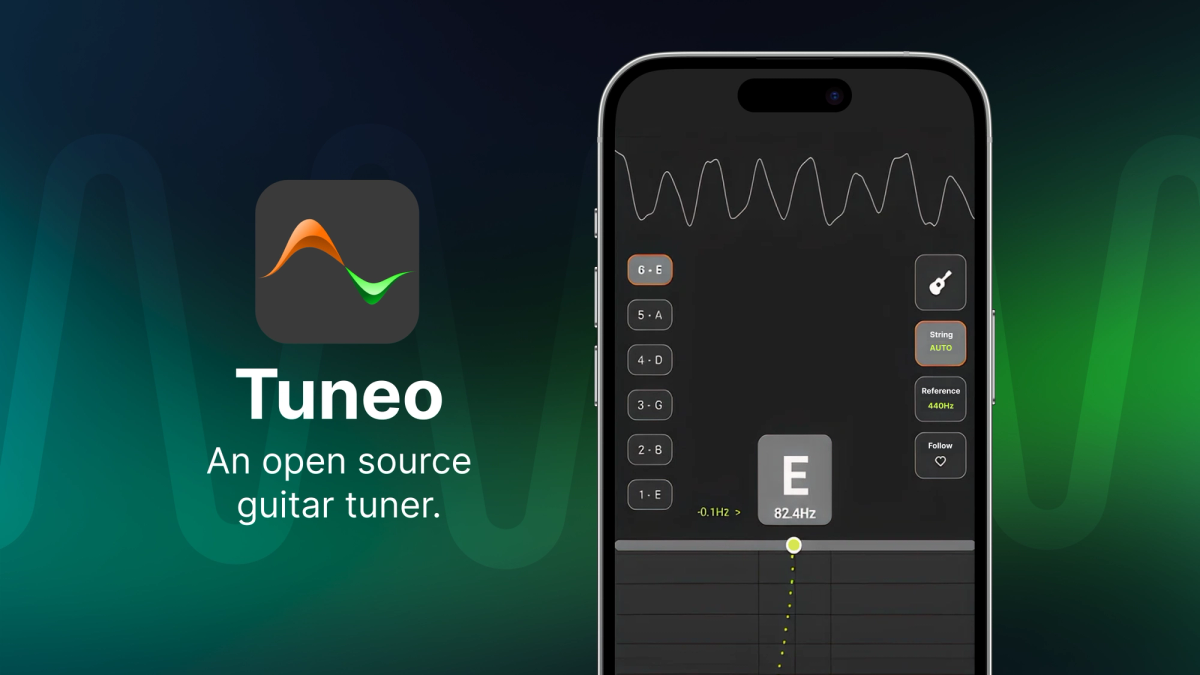
Tuneo isn’t just a guitar tuner—it’s a showcase of what’s now possible with React Native’s New Architecture. By combining a high-level TypeScript/JSX app for orchestration with low-level native modules in C++, Swift, and Kotlin, Tuneo tackles traditionally “native-only” challenges like real-time audio signal processing.
Through TurboModules and direct native communication, it achieves the low-latency performance required for tasks like live microphone access and accurate pitch detection—all without sacrificing the rapid development workflow that React Native is known for.
Tuneo is Free and Open Source, you can install it from the AppStore / PlayStore, and check the code in GitHub!
To be clear, this wasn't 'vibe coding'. But realistically, Tuneo owes much to AI tools. I love coding, but the prospect of learning both Swift, Kotlin, and their native SDKs just for microphone modules was daunting. AI was crucial for tackling these hurdles, among many other tasks. In the next sections, I'll break down the tech, the architecture, and how AI helped keep development moving and enjoyable.
The challenge: Real-time audio processing in React Native
Building a responsive guitar tuner requires processing raw audio data from the microphone in real-time. We need to:
- Access the microphone stream with low latency.
- Process chunks of audio samples efficiently to detect the fundamental pitch.
- Update the UI smoothly, reflecting the detected pitch instantly.
- Bonus track: can we also show the waveform in real-time?
Traditionally, intense computations and direct hardware access could be bottlenecks in React Native due to the overhead of the bridge. Sending large buffers of audio data back and forth as serialized JSON just wouldn't cut it for the performance needed.
The solution: Hybrid architecture
This is where the power of Expo and React Native's New Architecture shines. Tuneo adopts a hybrid approach:
- High-Level Orchestration (TypeScript/JSX with Expo): The main application logic, UI components (built with Skia and Reanimated 3 for smoothness), and state management are all handled in TypeScript. This allows for fast iteration and leverages the rich React Native ecosystem provided by Expo. The TypeScript code acts as the conductor, orchestrating the native modules.
- Low-Level Performance (C++, Swift, Kotlin):
- Pitch Detection (C++): The core pitch detection uses the YIN algorithm, implemented in C++ as a React Native TurboModule. This allows JavaScript to call C++ functions directly and efficiently, passing raw audio buffers without serialization overhead. Crucially, parameters for the algorithm (like filtering thresholds based on signal power) can be adjusted dynamically from TypeScript, giving us fine-grained control.
- Microphone Access (Swift/Kotlin): Custom Expo Native Modules were written to handle direct access to the microphone hardware on iOS (Swift) and Android (Kotlin). These modules are lean, focused solely on capturing raw audio buffers and streaming them immediately to the JavaScript layer.
This architecture truly gives us the best of both worlds: rapid development cycles and UI building with React Native/TypeScript, coupled with near-native performance for critical tasks using C++, Swift, and Kotlin. Expo made integrating these native parts significantly easier than it might have been otherwise.
Aside from Expo’s critical role in simplifying the Native Module development process—which was essential for Tuneo—Expo remained the foundation for the entire project. Compared to setting up TurboModules manually following React Native’s official documentation, using Expo’s approach to Native Modules made the process much easier to manage, debug, and integrate into the app lifecycle. Beyond that, I also relied on Expo libraries for practical needs like handling audio permissions (expo-audio), detecting the user’s preferred language (expo-localization), and using EAS Build to generate production-ready iOS and Android packages in the most straightforward way.
Orchestration in action
The main React component orchestrates these pieces elegantly. It initializes the microphone stream and receives audio buffers from the Swift/Kotlin module, feeds them to the C++ TurboModule for pitch detection, and updates the Skia-based UI with the results. Here’s how the Tuneo.tsx component manages this flow:
Now let's expand the high-level components of the returned JSX:
Calibrating and smoothing the pitch detection
Getting accurate, stable pitch detection from a real-world instrument like a guitar isn't trivial. The raw output of a pitch detection algorithm can sometimes be jumpy or incorrect, especially as the sound fades. The YIN algorithm is powerful, but it has parameters – like frequency ranges to search within and sensitivity thresholds – that need careful tuning for optimal results.
To tackle this, I set up a calibration environment using Python and Jupyter notebooks. This approach allowed me to:
- Load Recordings: Use audio files of actual guitar strings being plucked.
- Mirror the Logic: Run the exact same YIN algorithm logic used in the C++ module (ported to Python for easy experimentation).
- Visualize Everything: Plot the algorithm's detected pitch directly onto a spectrogram of the audio.
What's a Spectrogram? Think of it as a visual map of sound. It shows which frequencies (low to high pitch) are present in the audio signal at each moment in time, with brighter areas indicating louder frequencies. It's perfect for seeing the fundamental pitch of a note and its overtones (harmonics). Comparing the algorithm's output (a single detected pitch) against this rich visual map is incredibly helpful for debugging and tuning.
Challenge: Fading notes and noise
When you pluck a guitar string, the sound is initially loud and clear, making the pitch easy to detect. However, the sound quickly starts to decay (decrease in volume/power) and gets closer to the level of background noise. This makes reliable pitch detection much harder as time goes on. The raw algorithm might start jumping between the actual pitch, harmonics (related higher-pitched tones naturally present in the sound), or even noise.
Strategy: Adaptive parameters
To get a smooth and reliable tuning experience, we adapt the parameters in real-time based on the state of the incoming audio signal:
- Initial pluck (strong signal): Right after a string is plucked, the signal power is high, and the pitch is usually clear. Here, we search for the pitch across a wide frequency range (e.g., the full expected range of a guitar) using a strict threshold. This strictness ensures we only lock onto a clear, unambiguous pitch.
- Decaying note (weaker signal): As the sound fades (signal power decreases), if we've already detected a stable pitch for a short period, now we change tactics:
- Narrow the search range: Limit the frequency search to a small window around the last detected stable pitch.
- Relax the threshold: Make the algorithm more lenient, allowing it to track the fading fundamental pitch even as it gets weaker, trusting that it will prevail within the restricted frequency range.
This adaptive approach leverages the initial clarity to find the correct note confidently, then smoothly tracks it as it fades, preventing jumps. (It does assume you're tuning relatively smoothly, so don't go wild with the tuning peg while using the app! 😉)
Coding the strategy
The Python code in the Jupyter notebook mirrors the logic implemented later in C++ and Typescript. Here's a simplified snippet showing the core idea. We analyze the audio in short, overlapping window chunks (~67ms hop).
Visualizing the result
The real power of this adaptive strategy becomes obvious when visualized in the calibration notebook. Let's compare the raw pitch detection output without our adaptive strategy against the results with the strategy enabled.
For the comparison, let's show the detected pitch in each case, on top of the signal spectrogram.
Image 1: Without Adaptive Strategy (Always Wide Search, Strict Threshold)
Pitch detection results without the adaptive strategy. The algorithm always uses a wide frequency search and a strict threshold (Strategy 1 only). Notice the red dots become erratic or jump to harmonics (higher lines) as the notes fade, especially visible on the last plucked string.
Image 2: With Adaptive Strategy (Narrow Search & Relaxed Threshold)
Pitch detection results with the adaptive strategy enabled. Red dots show the detected pitch. The green boxes appear after the initial pluck, indicating the switch to the narrowed search range and relaxed threshold (Strategy 2) for the fading note. The detected pitch (red dots) stays much more stable and correctly tracks the fundamental frequency.
Interpreting the comparison
- Background Spectrogram (Both Images): Shows time (horizontal) vs. frequency (vertical). The bright horizontal lines represent the frequencies present in the sound of six guitar strings being plucked consecutively (high E on the left, low E on the right). The lowest bright line for each note is its fundamental frequency (the pitch we want to detect). The fainter lines above it are harmonics (overtones).
- Red Dots (Detected Pitch):
- In the first image (Without Strategy), observe how the red dots become scattered or jump upwards towards the harmonics as the sound decays (moving rightwards within each note). This is particularly noticeable on the last, low E string, where the detection becomes unreliable quickly. This would lead to a jumpy and confusing tuner display.
- In the second image (With Strategy), the red dots stay much more consistently locked onto the lowest bright line (the fundamental frequency), even as the note fades.
- Green Boxes (Strategy 2 Active): These only appear in the second image. They show precisely when and where the algorithm switches to the "tracking mode" (narrowed frequency range, relaxed threshold). Notice how they effectively bracket the fundamental frequency.
Comparing the two images makes the benefit clear
- Stability: The adaptive strategy results in a more stable pitch reading, avoiding erratic jumps.
- Harmonic Rejection: By narrowing the search range (green boxes), the algorithm is prevented from mistakenly locking onto harmonics when the fundamental frequency becomes weaker.
- Noise Robustness: The relaxed threshold within the narrow band allows tracking the fading note longer without being easily thrown off by background noise.
This visual confirmation in the Python notebook was crucial. It proved the adaptive strategy significantly improves the quality and smoothness of the pitch detection, making it suitable for a user-friendly tuner app, before implementing the same logic in the C++ module.
Beyond "vibe coding"
This project would likely have taken dramatically longer without AI assistance. It wasn't about effortless coding, but I used it as an incredibly powerful pair programmer and accelerator for tasks where I lacked deep expertise or that involved tedious translation:
- Implementing YIN: Reading papers and implementing DSP algorithms from scratch is hard. AI provided a solid first draft in Python, which I then debugged, refined, and tuned.
- Python to C++ Translation: Manually translating the verified Python YIN logic to performant C++ would be error-prone and slow. AI handled the bulk of the translation, which I then reviewed, optimized, and integrated into the TurboModule structure.
- Swift/Kotlin Native Modules: Learning the intricacies of native iOS and Android development for microphone access would have involved a steep learning curve reading extensive SDK documentation. AI generated functional baseline modules for both platforms based on my specifications (e.g., "create an Expo native module in Swift that accesses the microphone, provides raw PCM audio buffers via an event emitter, and includes methods to start/stop"). I then focused on integrating these small, targeted modules.
Each of these steps (some of which could have taken weeks or months) was reduced to days or even hours for a functional first pass. This allowed me to focus on the architecture, the tuning, the UI, and the overall product rather than getting bogged down in language specifics.
Open source and future directions
Tuneo is fully open-source (MIT license), ad-free, and tracker-free. I believe tools like this should be accessible. I welcome contributions, feedback, and suggestions! Some ideas for the future include supporting more instruments, adding a metronome, and exploring alternative pitch detection algorithms.
Conclusion
This project demonstrates how Expo and React Native's New Architecture enable the creation of high-performance applications by seamlessly blending high-level JavaScript/TypeScript with low-level native code. Furthermore, it highlights the transformative potential of AI tools, not as a replacement for understanding, but as a powerful accelerator that can drastically reduce development time for complex tasks, making ambitious projects more feasible for smaller teams or individual developers.
If you're building React Native apps that require performance and deep native integration, I highly encourage exploring ExpoModules or TurboModules and considering how a hybrid approach could benefit your project.
Check out the code, try the app, and let me know what you think!