This is a guest post from Arthur Spalanzani - an indie app developer and engineering student passionate about mobile development.
...
I moved from France to Norway last winter. Twenty-hour darkness in December hit different than I expected. I downloaded every wellness app I could find, but they all required effort: journaling prompts, mood tracking, meditation sessions. I needed something simpler.
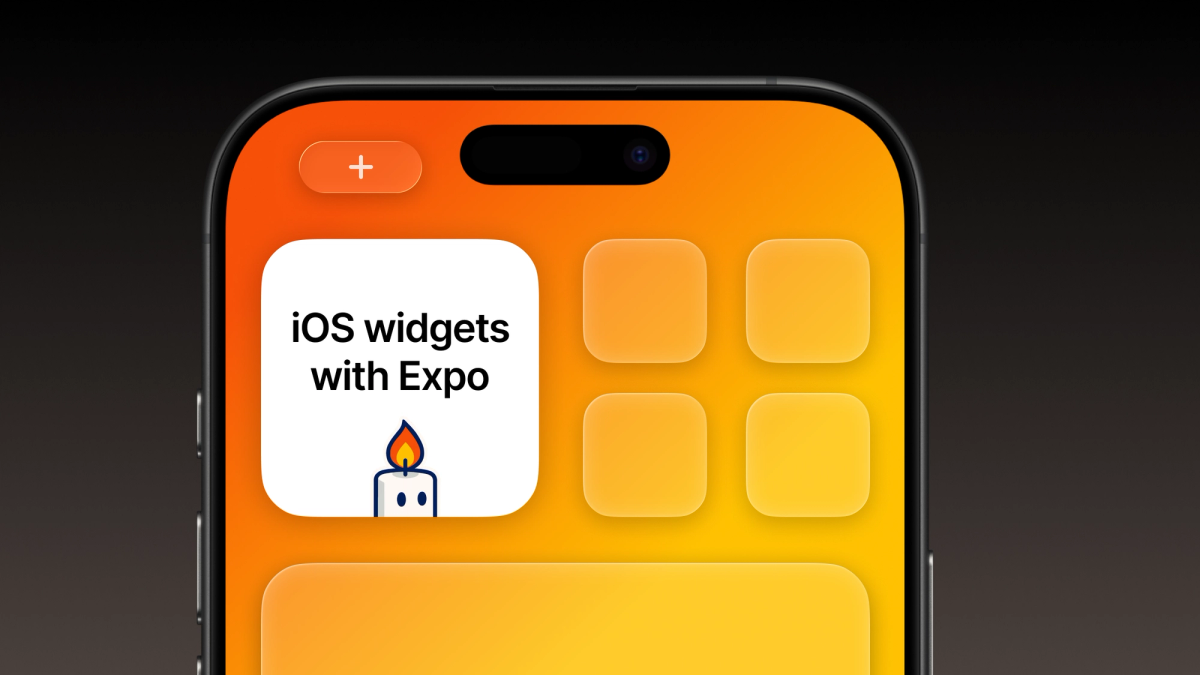
So I built Glow, an affirmations app where the widget IS the app. Not a companion feature, not a preview. The actual product lives on your lock screen and home screen.
I've been building apps with Expo since 2019. Learned it once, never looked back. But this project pushed me into new territory: native Swift widgets.
Widgets as the core experience
Most wellness apps fail because they require you to remember to open them. Glow flips this: the affirmations come to you. When you check the time on your lock screen, there's your affirmation. When you swipe between home screens, there it is again. Zero friction, ambient presence. The lock screen widget catches you in those mindless phone-checking moments. The home screen widget provides intentional touchpoints throughout your day. No app to open, just words when you need them.
The technical challenge: Making widgets feel native
I've been coding with Expo for years, but widgets were new territory. Widgets require native Swift code (they can't run React Native or JavaScript). Yet I wanted to maintain all the benefits of Expo's workflow: fast iteration, EAS Build, and no manual Xcode project management.
Enter @bacons/apple-targets, an experimental Expo Config Plugin that generates native Apple targets like widgets while keeping them manageable outside the /ios directory.
Building the widget with Expo Apple Targets
Understanding the architecture
Before diving into code, here's what you're actually building with iOS widgets:
- A separate target Widgets are mini-apps that live alongside your main app. They can't run JavaScript, only Swift.
- Shared storage Your React Native app and widget communicate through App Groups (shared containers).
- Timeline-based updates Widgets don't refresh on demand. You provide iOS with a timeline of content, and the system decides when to update.
For Glow, I built three widget types:
- Small widget, compact affirmation with mascot
- Medium widget, more breathing room for longer quotes
- Lock screen widget, minimal text
The file structure is refreshingly simple:
Configuration and setup
First, generate the widget target with npx create-target widget. This creates the structure above and adds the plugin to your app.json.
My configuration is minimal:
The App Groups entitlement enables data sharing between app and widget. The resources array includes my quotes JSON directly in the widget bundle.
The Swift implementation
The widget code itself is pure Swift. The main challenge was making each widget instance show different quotes that update hourly but stay consistent:
The clever bit: using displaySizeHash combined with the hour ensures different widget instances show different quotes. If you have both a small and medium widget, they'll show different affirmations, but each stays consistent for that hour.
Deep linking back to the app
Each widget is a gateway back to the full experience. Tapping a widget opens the app directly to that specific affirmation:
In the Expo app, I handle this with Expo Router's deep linking. Users can tap the widget to favorite that quote, share it, or explore similar affirmations. It creates a natural flow from ambient (widget) to intentional (app) interaction.
Sharing data between app and widget
The React Native app manages user preferences and shares them with the widget through App Groups:
When users customize their affirmation categories in the app, the widget immediately reflects their preferences. The ExtensionStorage module that comes with apple-targets makes this surprisingly straightforward.
The challenges I didn't expect
- Widget refresh timing iOS controls when widgets update. You can't force immediate refreshes. I designed around this by making updates feel intentional (hourly quotes) rather than reactive.
- Development iteration No hot reload for Swift. Every change needs
npx expo prebuild -p ios --cleanthen Xcode. Pro tip: use the blank prebuild template during development for faster builds.
This video tutorial is another good asset for learning how to implement widgets in your apps. Beto talks through some of the challenging nuances:
The ROI of widgets
Widget adoption has been remarkable: 80.7% of users install at least one widget, with lock screen widgets being the most popular. This makes perfect sense when you think about it. People love personalizing their phones, and widgets let them take their favorite feature from an app and make it part of their home screen aesthetic.
From a marketing perspective, widgets have been a game-changer. They're incredibly shareable on social media. Users post screenshots of their customized home screens featuring the Glow widget. It's visual, it's personal, and it spreads organically. Traditional app screenshots can't compete with seeing an actual widget living on someone's beautifully arranged home screen. The simplicity resonates.
Conclusion: A new world of possibilities
This was my first time implementing iOS widgets, and this seemingly simple feature opened up a completely new way of thinking about app experiences. The widget isn't driving users to the app; the widget IS the value proposition.
The lesson from Glow isn't really about widgets. It's about meeting users where they already are. By removing every bit of friction, by being ambient rather than demanding, you can create something that actually sticks in people's daily lives.
With Expo and @bacons/apple-targets, what seemed like a native iOS developer's domain became accessible to a React Native developer building their first widget. The plugin abstracts away the complexity while giving you full control over the Swift implementation.
If you're building something with widgets or considering a widget-first approach, I'd love to compare notes. Sometimes the best features are the ones users don't have to think about using.
You can find Glow on the App Store.