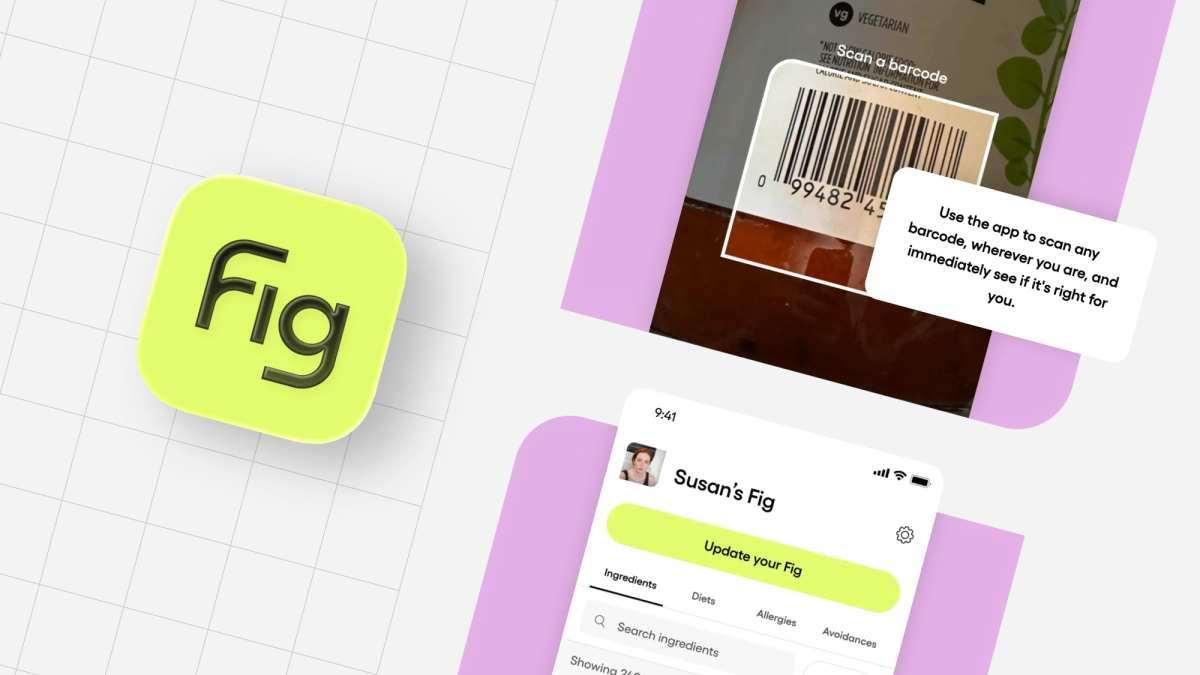
Fig (Food is Good) helps people with any dietary restriction or allergy find food that they can actually eat — and avoid reactions that can seriously impact their health.
From scanning ingredients and discovering safe products to seeing how well restaurants accommodate specific needs, Fig makes eating easier and safer for anyone with complex dietary needs. Millions of people (including most of the Fig team!) rely on Fig to make safe, confident food choices.
Last year we were a finalist for an Expo App Award. The team at Expo appreciated the native feel and snappy functionality of our app so that’s what we’ll cover in this blog.
Why Expo?
Fig began as a standard React Native app but has increasingly adopted Expo to accelerate development and improve reliability.
We are a small team of five engineers, so we don’t have much time to waste with complexity. After getting burned a few times by community packages that would break and were no longer maintained, we decided to integrate the SDK over time. We have grown to trust the libraries and plan on integrating more in the future. When AppCenter was decommissioned by Microsoft last year, we also moved our over-the-air updates to Expo’s EAS system for critical javascript patches.
The Expo SDK has been critical to Fig’s success
Here are a few examples of Expo SDK packages that have helped Fig develop a performant app, quickly with a small team:
expo-image
expo-image enables Fig to efficiently render images and SVGs to make the app experience friendly to members of our community. Since the stock React Native Image component doesn’t support SVGs, we initially used react-native-svg for all of our SVG rendering needs, especially our icons. Passing the SVG string to SvgXml made setting attributes like stroke, stroke-width, and fill super easy.
Fig’s Settings screen with expo-image rendering SVGs
But after reading this blog post from Software Mansion, we realized creating component trees from SVGs comes with a cost, and is probably overkill for static icons. We moved our icons to expo-image so that native libraries can handle the SVG rendering, and we use react-native-svg only when we need to manipulate/animate the SVG internals.
Since expo-image’s ability to change the SVG is limited (tintColor sets the color of all the non-transparent pixels), this does mean that we bundle a couple more SVGs when we need to vary things like stroke-width, but believe the performance trade-off is worth it.
react-native-svg:
expo-image:
expo-location
Fig uses expo-location to handle fetching location data for their restaurants search feature. We moved from @react-native-community/geolocation to get more granular control over location data from a more actively maintained library.
We fetch approximate coordinates and more accurate coordinates simultaneously. We utilize cached location data when it’s recent enough. This ensures we can populate the map view and restaurant search with nearby restaurants quickly. The location is stored in a context, and then used throughout the app, particularly for our new restaurant search feature.
Fig’s screen requesting a user’s location | A corresponding MapBox view once location has been enabled.
expo-store-review
Fig has been burned a few times by community packages breaking when platform updates deprecate APIs.
One example was when iOS 18 deprecated SKStoreReviewController and react-native-in-app-review stopped working. expo-store-review enabled Fig to quickly adopt a new library to prompt users for ratings and feedback that support all the operating system versions we needed.
Integrating the screen is simple and unlike many community libraries, Expo’s library continues to be maintained even as underlying APIs changed.
Pushing critical patches with Expo’s OTA Updates
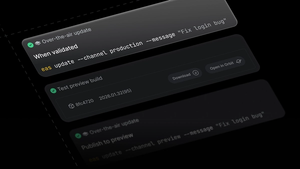
After App Center retired CodePush in March of 2025, Fig adopted Expo EAS Updates to continue delivering critical fixes and experimental experience tests instantly. This allowed us to have confidence shipping code and to quickly address bugs that reached production. While we still use Bitrise for our production builds, we like how we can trust Expo’s OTA update system to deliver critical updates to our users when needed.
Fig’s future with Expo
Fig will continue to integrate more Expo modules to reduce maintenance burden, simplify build complexity, and unlock new native capabilities as the platform expands. React Native version upgrades were once a dreaded task that we avoided until things broke.
As we have migrated to more Expo packages, the upgrade process has become easier and more reliable, allowing us to stay on supported versions of React Native without having to waste too many development cycles.