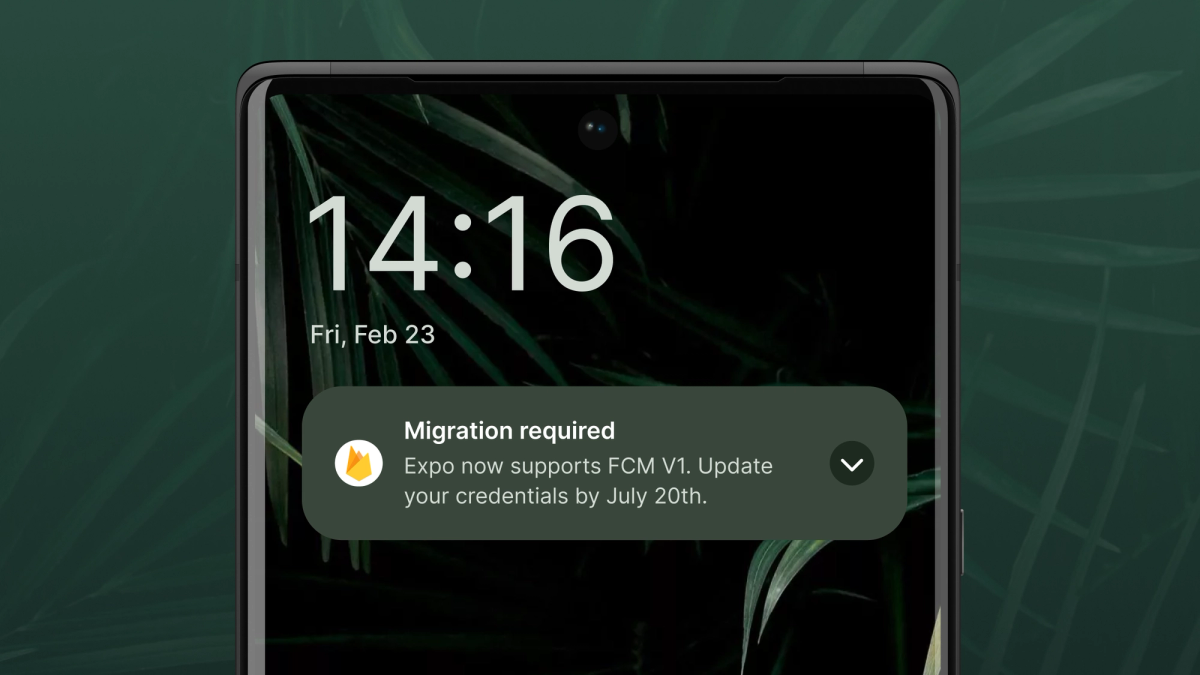
Developers who use the Expo push notifications service will need to create a Firebase Cloud Messaging (FCM) credential and upload it to EAS in order to continue sending push notifications to Android devices after July 20th this year. (The previous deadline for migrating to FCM v1 was June 20th, but to accommodate developer concerns, Firebase extended support for the Legacy API to July 20th.)
If you don’t use the Expo push notification service to send notifications to Android devices, or if you’ve already migrated to FCM v1, you don’t need to do anything.
If your project is affected, read on to understand what the change is, how to prepare for it and test the changes, and what the migration timeline looks like.
What’s happening?
On July 20th, Google is shutting down an old version of FCM, known as the FCM legacy API, and is requiring that all developers migrate to the FCM HTTP v1 API.
At Expo, we’ve added support for the FCM HTTP v1 API. However, the credentials for the FCM legacy API are different from the v1 API’s. This means we can’t automatically switch your projects from the legacy API to the v1 API without your uploading new credentials. However, we’ll walk you through the migration steps.
How to update to the new FCM v1 API
- Create your FCM v1 credential (
google-services.json): Visit the Firebase console. Under Settings → Service Accounts for your project, click the button to “Generate new private key” for the Firebase Admin SDK. - Upload your credential to EAS: Browse to the credentials page for your EAS project. Click on your Android application ID and find the section titled “FCM v1 service account key” from which you can upload your JSON credential.Alternatively, you can use EAS CLI to upload your credential. From the terminal, go to your project’s directory and run
eas credentials→ chooseAndroid→ chooseproduction→ chooseGoogle Service Accounts→ chooseFCM v1.Note: at this point, your project will still be using the FCM legacy API. - Test your app with FCM v1: To test the FCM v1 API, specify
?useFcmV1=truein your HTTP requests to the Expo push notification service (that is,https://exp.host/--/api/v2/push/send?useFcmV1=true). The Expo push notification service will default to using the FCM legacy API until May 13, 2024. After this date, it will default to using the FCM HTTP v1 API and you can remove theuseFcmV1query parameter from your requests.If the push ticket or push receipt is unexpectedly errant and differs from what you get back from using the FCM legacy API, double check your FCM v1 credential or try uploading a new one. If you continue to experience errors or failures without resolution, please reach out to us via support@expo.dev or on Discord to debug further. - Delete your FCM legacy credential token (optional): When you are fully satisfied the FCM v1 API is working well for you, you can delete your FCM legacy credential token from EAS. It’s also a good practice to revoke the token through the Firebase console.Deleting your FCM legacy credentials is optional. After Google shuts down the FCM legacy API, Expo will delete your leftover FCM legacy credentials from EAS.
Updating to Latest Expo SDK
Due to changes in how FCM v1 messages are handled, your client code must be updated to the latest versions of expo-notifications and Expo SDK 51 in order to ensure a smooth transition. If you have any concerns, or experience any unexpected issues, please let us know via this GitHub tracking issue or via email at support@expo.dev. We know you have a lot of important work to do and probably did not budget time for this adjustment. So please don't hesitate to reach out. We want to help!