As video rendering in apps becomes increasingly common, we set out to develop a solution that simplifies adding video capabilities to Android, iOS, web, and TV apps, while offering a wide range of features.
expo-video aims to fulfill this need by providing an easier-to-use and more capable API based on the new SharedObject API. Thanks to this new Expo Modules feature the VideoPlayer is now separate from the VideoView it is displayed in and holds a direct reference to a native player instance.
Here are a few highlights of expo-video:
- You can quickly access and change properties of the player
- You can change a player’s
Viewwithout creating a new player every time - You can preload the videos with ease
expo-video is replacing the now out-dated Video component of expo-av, and soon expo-audio will replace the Audio component of expo-av, making it fully deprecated.
What’s new in expo-video?
Take a look at some of the most useful new capabilities introduced by expo-video, including: the new object-oriented API (blog post coming...), enhanced event handling, flexible memory control, Picture-in-Picture support, Now Playing notifications, DRM compatibility, and advanced subtitle management for a seamless video playback experience.
Use the new, object-oriented API
The VideoPlayer holds a reference to a native player implementation. On Android it references an ExoPlayer instance and for iOS an AVPlayer instance. You can easily read and change the properties of the player without the need for creating a stateful variable for each property that may have to be changed at runtime.
In the example below the player is created with the useVideoPlayer hook, which automatically manages the lifecycle of the player, and destroys it when the screen is unmounted. In the setup function, which is the second argument, you can see how the properties can be set.
You can also access the properties at any time, for example:
In order to display the player you just have to attach it to a view
You don’t have to attach it to a View right away, though! For example, you can pre-buffer the player first and attach it to a view when the user navigates to a screen where they can interact with it without waiting for it to load. This is just one example of many possibilities for smoother and more streamlined user experiences that the new API allows for.
New EventEmitter class for responding to events
VideoPlayer implements the EventEmitter class. It is a new class in Expo Modules, which provides a consistent API for emitting and listening to events. It shares many concepts with other emitter APIs, such as Node's EventEmitter and fbemitter.
The properties of the player are simple to access and modify, but won’t change the React state when they update. You don’t have to use multiple useState hooks and a large amount of listener boilerplate to keep track of the properties you are displaying on screen though! You can use the useEvent hook to create a stateful variable, which updates when the VideoPlayer emits an appropriate event.
You should also take a look at the useEventListener hook and addListener method for more typical event listening use cases, and see more detailed usage examples in the expo-video docs.
Take control of VideoPlayer's memory footprint with the buffer options
VideoPlayer allows you to control how much memory it will use with it’s bufferOptions property. You can set the preferred buffer size in seconds, but also in bytes (Android only). It is also possible to check how much your video has buffered so far with the bufferedPosition property.
Play your video in a pop-up window with Picture in Picture support
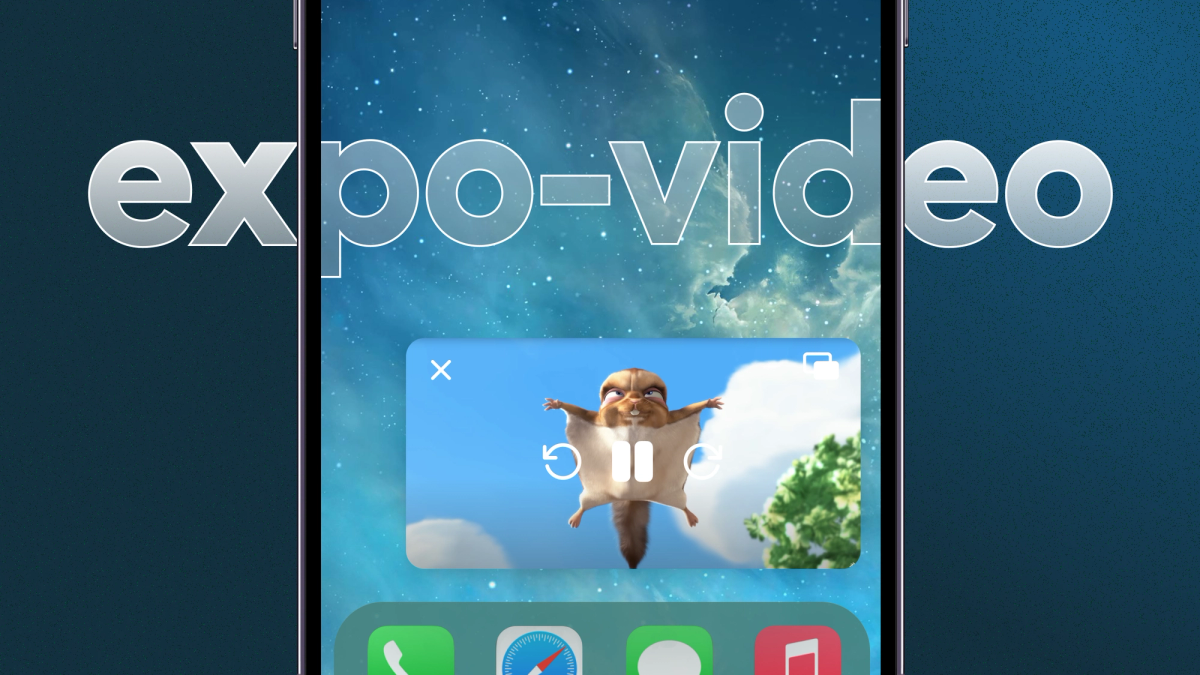
expo-video comes with picture in picture support for Android, iOS and Web. You can enter PiP automatically when user minimizes the app, or manually enter PiP using the startPictureInPicture method of the VideoView
Before using PiP support in your VideoView make sure you have configured it with the expo-video config plugin!
Keep users up to date on playback details with Now Playing Notification support
When playing a video in the background or when the device is locked, it is useful to display the details playback in a persistent notification. expo-video supports this feature out of the box! All you have to do is inform the player that you want it to display the notification.
You can also configure the title, artist, and artwork of the notification by including a metadata field in your VideoSource .
Play protected content with DRM support
expo-video supports DRM protected content playback. It can be configured by passing appropriate values into the drm field of the VideoSource. Android supports Widevine, PlayReady, and ClearKey while iOS supports FairPlay.
Control closed captions embedded in HLS sources
You can access subtitles with the availableSubtitleTracks property and then select a track by assigning one of the available tracks to the subtitleTrack property. You can also track if a user has changed the current track using the native UI with the
subtitleTrackChange
availableSubtitleTracksChange event.In future releases of expo-video it will be possible to add custom subtitles to your VideoSource.
Expo-video example
Here is a simple example showing the new API in action:
If you want to see more advanced demos, check out example video screens directory of the expo/expo repo to find usage examples for audio session management, video flat list, events, picture in picture, DRM, subtitles, fullscreen and more.
What’s next for expo-video?
Expo-video is stable and offers a wide range of capabilities, however there are still a number of features that we have planned for future releases:
- Ad support.
- Support for using a single
VideoPlayerin multipleVideoViewsfor Android and Web (already works on iOS!) to allow for video shared element transitions. - Offline caching support for reduced bandwidth usage on repeated playbacks of the same video.
- More advanced DRM settings for iOS for a better support of more customized sources.
- Support for adding custom subtitle tracks to
VideoSource. - Further stability and performance improvements.
We would like to thank all amazing people from the Expo community who helped in development of expo-video by submitting PRs, issues, and suggestions! Special thanks go to:
- @JustJoostNL for testing the library from the beginning of the beta release, multiple open PRs, many reported issues and suggestions.
- @fobos531 for reporting multiple issues, suggestions and creating PRs with fixes.