This is a guest post from Dan Caseley - he's a Maestro fan (and staff member), and spends most of his day actively using what they build.
...
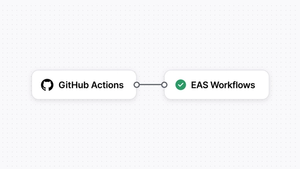
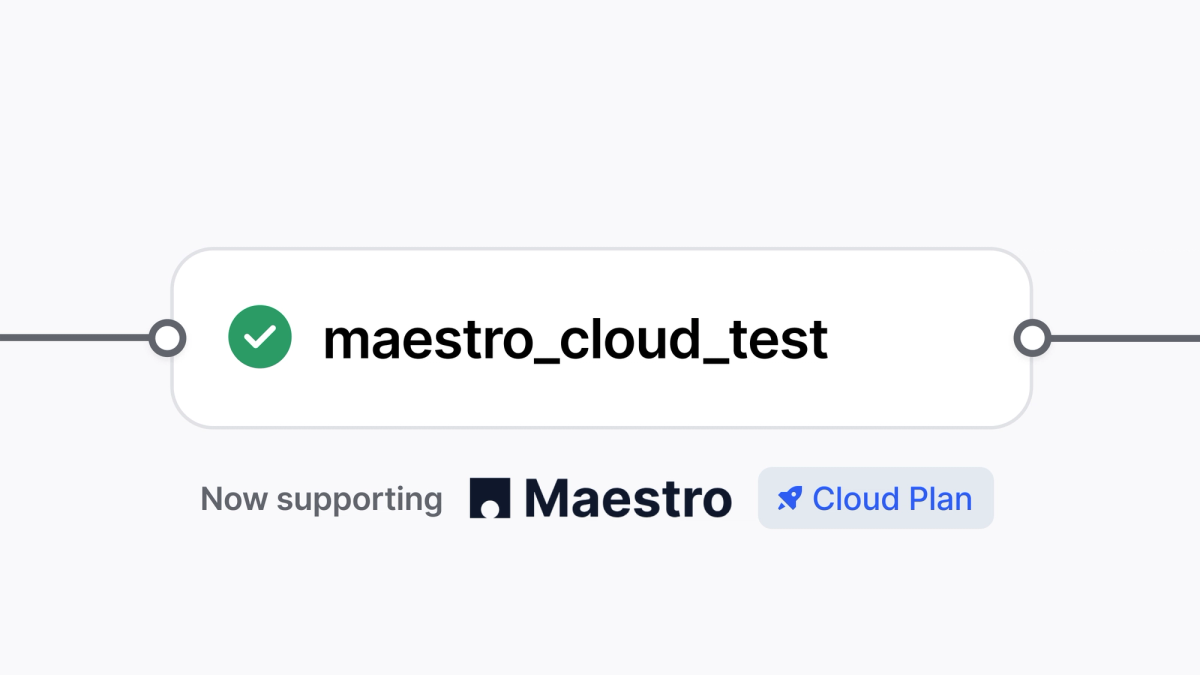
We're absolutely blushing. Expo has added Maestro Cloud integration to the workflows that can be run in EAS. This means that, as well as having a build capacity and capability that would be beyond your local means, you can also test what you have built within the same workflow using top-notch mobile testing tools.
I’ve worked for a whole bunch of places building apps in React Native with Expo - using their services to take away the pain of building and releasing. I’m looking at you, iOS codesigning 😡. Naturally, I’ve been a Maestro user for a long time too, but connecting the two has been difficult.
The pre-integration struggle
Up until now, my normal workflow has been something like eas build --local in GitHub Actions, then the Maestro Cloud GitHub Action, all running in parallel to the EAS trigger. Sure, the tests aren’t quite testing the same thing that we’re releasing, but it’s pretty close for most things. And the headache of getting the EAS config together for local wasn’t too bad. And the GitHub Action takes a bit of getting right, and some maintenance as runners change and whatnot. But it works. Mostly.
I had a chance to play with the Maestro Cloud integration in EAS last week, and it was astonishingly easy! All that pain: Gone. The integration is a wrapper for pushing your app and tests to the Maestro Cloud and consuming the test results, the same as if you were using the GitHub Action before, or just running maestro cloud <many args here>. Except it’s in the same EAS workflow YAML that you were already using for your build pipeline. Nice.
How to set it up
Here’s how I did it…
Step 1: Prep the App
Now, I'm no mobile app developer, so my application looks suspiciously close to what you'd get when running npx create-expo-app@latest. I changed about 6 words to feel comfortable with it. Then I ran npx eas-cli@latest init to get hooked up to EAS, which updated my app.json to make this a one-time task.
I wanted to get my app running in a local Android emulator, ready to develop a Maestro workflow. I used npx expo run:android --variant release (because Maestro tests are always going to be more representative with release builds) and this worked the first time. Naturally, I needed to wait the customary amount of time - a tax that all mobile devs pay to build an app for the first time.
When I'd finished my cup of tea, I saw that it had also added my package name to the app.json.
Step 2: Create a Smoke Test
I created the simplest little test for this simple little application.
While I didn't need maestro studio to help with this, I did anyway, following the same steps that I'd take for something that wasn't quite so trivial.
Step 3: Configure EAS
Following the EAS docs, I ran npx eas-cli@latest build:configure to create config for what I'd like EAS to do with my app. This produced an eas.json in the root of my project with sensible defaults (like ‘dev’ is debuggable, while ‘production’ builds auto-increment the version numbers). Following the docs for the existing Maestro integration, I added an extra profile into the eas.json to use in my workflow (again, keeping it representative).
Finally, adapting those same docs, I added a workflow for the Maestro Cloud integration:
You'll notice I've kept my project ID in here - that's not a secret, and doesn't need to be protected.
I've also not included the API key. Expo is excellent at keeping things simple, so the API key can be given explicitly, or just picked up from the MAESTRO_CLOUD_API_KEY environment variable in the project. I went for the latter - if this were a real project, the API key would be unnecessary to the next person maintaining this file.
A full listing of the parameters is available in their docs, and if you've ever used Maestro Cloud in the CLI or in GitHub Actions before, these will almost all be familiar to you.
For all my talk of being representative, I cheated for the next bit. Rather than make a PR to trigger the workflow, I trusted it to work, and invoked it manually using npx eas-cli@latest workflow:run .eas/workflows/e2e-test-android.yaml.
A short while later, I had an app built and tested:
Expanding the details, there's output like you'd get from the maestro cloud command:
With which, I could follow the link over to Maestro Cloud and see the run in more detail:
If I were building an app today, this is how I'd set it up. None of the steps were difficult; what's left in my repo is easy to manage. More about the code, and less about the incantations needed to get my code built and out to the users.
I have confidence that I can move quickly and break…nothing.
Maestro Cloud vs. Standard EAS integration: Which one do you need?
Of course, this is an alternative to the existing maestro integration in EAS, where the Maestro CLI runs tests on the EAS infrastructure, the same way you do when you run your local tests. How do you choose between them?
Well, for a start, Maestro Cloud costs more than $0, whereas the Maestro integration is part of your existing EAS package. As much as we all hate it, that’s got to be a consideration. Maestro Cloud isn’t for your hobby projects. It's for real production applications with aspirations of growing.
Why Use Maestro Cloud?
I think there’s a scale thing here too. The total execution time for a decent flow of steps might be 2 minutes. If you have 5 tests, maybe you’re happy waiting 10 minutes. Especially for $0. If you have 100 tests, and you’re waiting to ship your app, maybe you’re less happy. Maybe your boss is less happy, and would open their coffers slightly in order to get test results sooner. Maestro Cloud provides parallel execution on devices that are prepared identically before each run for maximum confidence. There’s a dashboard for collecting results and surfacing trends - all very Enterprisey (if that were a word).
Give a try and let us know what you think!