EAS Update enables your app’s JavaScript code to be updated at any time in mere minutes, without a full store submission. That’s certainly a win for updating your app quickly and with fewer hoops to jump through. However, what over-the-air updates can mean for your app and your team goes far beyond simply making the last step before production go-live more efficient. As a well-integrated part of your release process, EAS Update can be a force-multiplier for your development team, reducing the average attention cost of each app update, reducing the impact of production bugs, and sending the latest fixes faster to places that store updates struggle to reach.
We’re often asked if there are any best practices for weaving updates amongst your binary releases. In many respects, there aren’t really any wrong answers; if updates help your team and users whenever you use them, then that’s probably the right pattern for you. However, we have seen some common patterns in EAS Update usage that are helpful for reducing development team effort on releases, getting fixes to users faster, and getting fixes to users who might miss store updates. In this post we’ll share recommended patterns and the reasons why you might use them.
ICYMI: How does EAS Update work?
If you’re well-familiar with EAS Update, feel free to skip right by this and head right for the patterns, but some of this information might help you understand how these patterns work.
In short, EAS Update allows your app to have its JavaScript bundle updated separately from its native code. This works because of the dual nature of a React Native app, which has its foundational code in the native binary, and most or all of its business logic inside JavaScript:
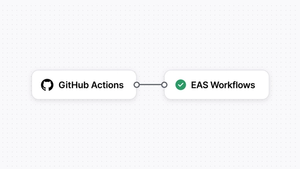
EAS Update requires just a little bit of configuration to integrate into your app. Once that is setup, your app will check a specific URL on startup to see if an update is available. If an update is available, it will be downloaded and applied on the next cold start. The updates themselves are published via the eas update command or an EAS Workflow. All of this checking happens behind the scenes, kicking off as your app’s splash screen appears.
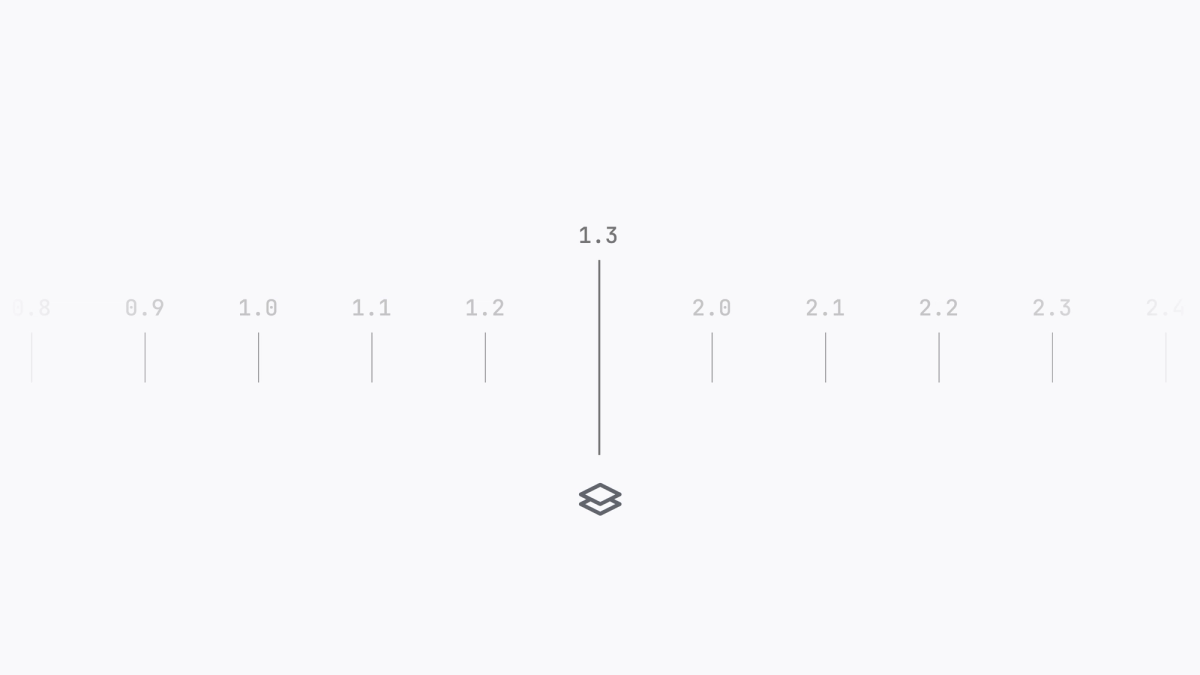
Updates can be isolated by “channel” (so you can update production and preview apps separately, for instance) and also by “runtime version”, which is a separate version used to designate that the Javascript updated over-the-air is compatible with the native code in the binary. Runtime versions help ensure that updates only go to versions of the app where the JavaScript is compatible.
Of course, waiting two whole startup sequences to apply the update can take a while. That’s why we provide functionality in the expo-updates package that allows you to reload the app with new code on-demand once an update is downloaded. A typical pattern is to prompt a user to let them know an update is available, giving them the option to reload now or finish whatever they’re doing. You can also initiate the updates check at any time. It’s common to check for updates again whenever your app enters the foreground, so you’re getting that check in whenever your app is being used, not just on startup.
EAS Update usage falls under store guidelines for downloading interpreted code (read up on these so you understand how to use updates according to each store’s rules). EAS Update also has advanced security options to ensure code integrity, such as end-to-end update signing.
Over-the-air update release patterns
Let’s walk through some of the most common ways that EAS Update can fit into a release cadence. If you're keen to learn from a video you can watch this short video that captures three of the release patterns I cover below:
Hotfixes-only
What it is: All of your planned releases are native store deployments, but EAS Update is configured in your app just in case.
Why you would use it: You’re fine with your current release process, but would like an escape hatch to get critical bug fixes deployed as fast as possible.
If you have a store release cadence that you’re pretty happy with, it is often still worth adding EAS Update support. With just a little configuration, your app is ready to receive updates if they’re needed, and, if you don’t end up using them, your app will work exactly the same as it did before.
Without any changes to your release cadence, you can use updates as-needed to deploy critical hotfixes to your app. Over-the-air updates deploy in mere minutes, as opposed to store updates, which could take a day or more. Especially if your production code is causing a crash, this can be an effective strategy to mitigate the effect on users, as a your app will apply a downloaded update the next time the app is started after the crash.
This approach pairs especially well with the cross-runtime deployment pattern below. You may adopt more frequent updates for your latest store version, while deploying only hotfixes to previous store versions, thus ensuring more users get your fixes, even if they have turned store updates off in their phone settings.
Release more frequently
What it is: Add smaller JavaScript-only releases to your current cadence in-between your regular store updates.
Why you would use it: You want to get fixes and minor enhancements out to users quicker, but without the overhead of full store updates.
This one doesn’t need much explanation. If you’re releasing a new store version every month, but your goal is to release new features every two weeks (or even every week), you can make those “in-between” releases via over-the-air updates with EAS Update. Most obviously, this cuts out several steps at the end of the release process related to submitting a new build to the stores and waiting for it to pass review and start rollout.
A less obvious benefit is how intuitive it is for teams to start grouping smaller changes into more frequent over-the-air updates while saving bigger changes for scheduled store deployments. If you want to prioritize the more rapid release of quick wins for your users, EAS Update makes it easier to adopt a faster cadence than if you had to release every single change to the stores.
Simplify your already-frequent release schedule
What it is: Take a regular release schedule (e.g., weekly or bi-weekly) and alternate between store and over-the-air updates.
Why you would use it: You want to release frequently on a regular schedule but want to spend less effort on each release.
Many teams have regular release cadences, such as weekly releases. However, if you have a release to the native stores every week, that’s a lot of attention cost applied to full regression tests, differences between each platform’s store, app store listings, waiting for store review, possibly dealing with store rejections, etc. Instead of releasing to the stores every week, change every other release to an update, or perhaps even consider doing monthly store releases and using over-the-air updates weekly.
Using over-the-air updates in place of some store updates not only shortcuts a lot of the app store ceremony at the end of each cycle, but it also may change the overhead associated with each release. Over-the-air updates are typically bugfixes and small enhancements, such as to keep the latest app experience consistent with the current listing in the stores. When restricting your code changes to what can be deployed over-the-air, you may be able to streamline testing during those releases. No native code is changing during over-the-air releases, so the testing surface is often lower. This week-to-week shift allows you to right-size your attention between smaller, more-frequent over-the-air releases, and more significant store updates.
Safe Continuous Deploy
What it is: Continuously releasing updates that are known to be safe for the current native release, while holding other native changes.
Why you would use it: You like continuous deployment on web and would like to do it on mobile, but appreciate the reasons why you may not have done this until now.
Continuous deployment is a sought-after goal in mobile, that unfortunately isn’t quite possible in the same way it is on web. Even if your pipeline is setup to automatically build and submit to the stores on main, there’s that delay for app review.
However, with EAS Update, you can deploy a subset of changes, namely fixes and minor enhancements to JavaScript code that are compatible with your current native versions, just like you would on the web, by publishing new JavaScript to a server so it can be downloaded by requesting clients. You can use tools like fingerprint in EAS Workflows to check if your code changes are compatible with the native binary either before committing to your main branch, or by creating a conditional workflow that either deploys an update or a build depending on what is required by the latest changes (highly recommend you look at this one).
Patterns add-ons
The foundational patterns can be modified! Tweak them at the edges to reach more users and reach them faster. Use these patterns-within-the-patterns to further increase the impact of your updates.
Critical updates
What it is: Designate certain updates as “critical”, forcing different behavior in your app to ensure they’re applied more quickly.
Why you would use it: To reduce the time between finding a bug and not only fixing it, but reducing the average time it takes for the fix to be applied on each of your users’ devices.
Not all updates are equal! You can use the metadata that is embedded into each update to indicate if that update is critical, and then use the expo-updates library to check for that critical field and change how the update is applied. For a non-critical update, you could notify the user with a toast and give them the option of updating, or perhaps even just wait for the next cold start. On the other hand, for a critical update, you might choose to apply the update the moment it is downloaded, so the user gets it right away. Check out our code example for how to apply this pattern.
Cross-native-runtime deployment
What it is: Deploy updates to multiple store versions.
Why you would use it: Even if users turn off automatic store updates, they can still receive over-the-air updates, so you can send compatible updates to out-of-date store versions to ensure more users get critical fixes.
Once you have more than one version of your app out in the wild, it is inevitable that not all of your users will be running the same version. It is not uncommon for users to turn off automatic store updates, meaning you have no idea when they will get that new native version you deployed. However, you can use EAS Update to send critical updates to those users anyway.
This works particularly well if you cut a branch in your source control for each release. If you have a critical patch that you would like to apply to multiple store versions (and you know it is compatible with those store versions- something fingerprint can help with), you can cherry-pick that to previous branches and deploy it as an update. Typically, this would mean that you update the production branch two or more times, once for each native runtime version you would like the target.
Background updates
What it is: Check for and apply updates in the background on a periodic basis.
Why you would use it: To increase the odds that an update has already been applied before the user’s next session in your app.
Starting in SDK 53, it is now possible to check for updates in a periodic background task. This can work well particularly for users who may use your app infrequently, but every moment they’re in your app is absolutely critical, and there can’t even be a moment’s delay for applying an update in most cases. Have your app check for updates a few times per day in the background, and your users will almost always have the latest code when its actually time for them to open your app.
Hold-and-reload
What it is: Define a short threshold where your app will delay user interaction so it can apply an update that was downloaded just as the app was starting.
Why you would use it: To ensure most users apply post-store-release updates the first time they install and run an app.
We typically recommend the default settings for Updates startup behavior, where your app will initiate the check for and download of an update on startup while the splash screen appears, but will let the app continue to open while those operations finish in the background. This is a good idea because you don’t want your app to be stuck on the splash screen for a long time if the users’ internet connection is slow, lest they think that your app is not working correctly.
Instead, if you want to maximize how many users are running your latest update code right after the app is launched, you can set a short threshold after startup during which you will trigger a reload if an update is downloaded. The useUpdates hook in the expo-updates library makes it straightforward to know precisely when an update is ready and respond to it in whatever way works best for your app.
Conclusion
Every app is different, so there’s no one-size-fits-all deployment pattern. The best pattern for your team probably fits nicely into the release cadence that your team practices now or wants to practice in the future, and saves you time and thrash at several points within that cycle. Once you have your basic cadence set, you can start to augment it with other approaches like critical updates or deploying across native versions in order to get even higher rates of adoption of your latest code faster, multiplying benefits to your users on top of your team’s internal process improvements.
Happy updating!