Preview Release: The Expo MCP Server is currently in preview and available to all Starter Plan, Production Plan, or Enterprise Plan subscribers. We're actively developing this feature and want to hear from you about what capabilities would be most valuable for your workflow.
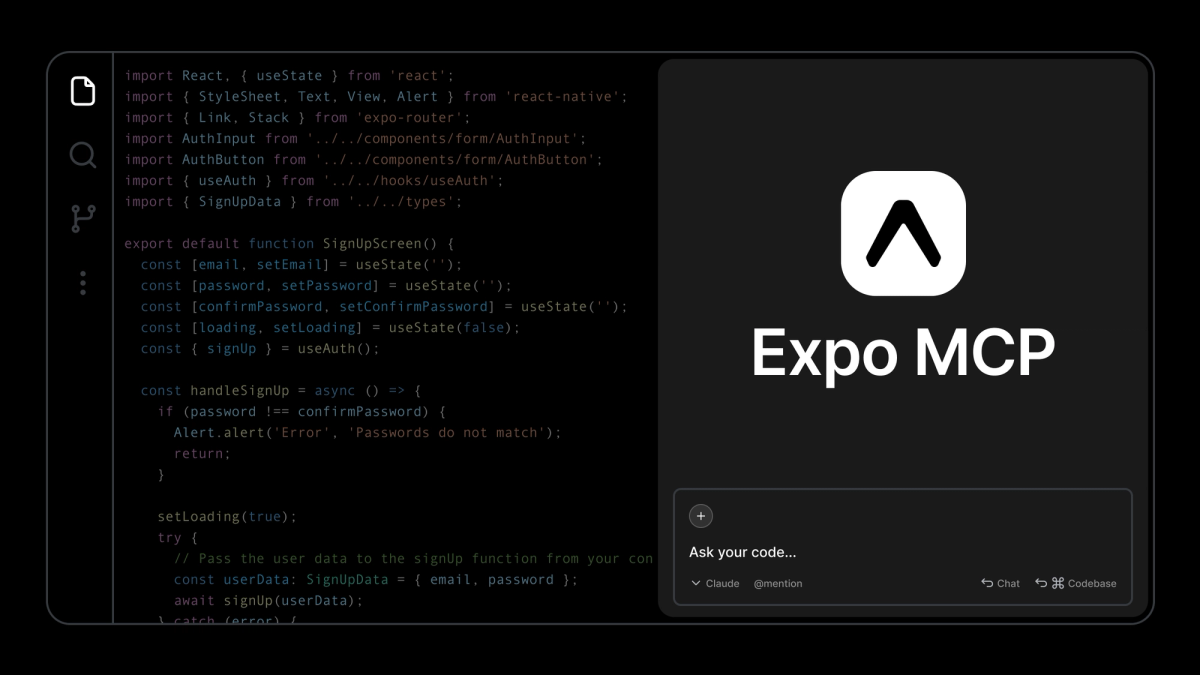
Today, we're excited to announce the Expo MCP Server, a remote MCP server that connects your AI coding assistants directly to your Expo projects, enabling them to access latest Expo documentation, automate the development tasks, and provide intelligent, context-aware assistance.
What is MCP?
Model Context Protocol (MCP) is an open standard that allows AI models to integrate with external data sources and tools. Think of MCP as providing your AI assistant with precise Expo project context, understanding your SDK version, accessing relevant documentation, connecting to your running development environment to automate workflows, and catching issues in AI-generated code through visual verification.
Why we built the Expo MCP Server
AI coding assistants are powerful, but they often lack deep understanding of framework-specific patterns and best practices. When building with Expo, developers need an assistant that understands the framework's patterns and conventions, knows which packages work together, can access accurate and up-to-date documentation, and helps debug issues specific to their development environment.
We built the Expo MCP Server to bridge this gap by transforming generic AI assistants into Expo-aware development partners that understand your development environment and can interact with it directly.
Server capabilities meet local capabilities
The Expo MCP Server provides two types of capabilities that work together:
Server capabilities are always available once you connect to the MCP server at mcp.expo.dev. These include learning Expo patterns, searching documentation, installing packages intelligently, and generating configuration files. You get instant access to Expo knowledge without any additional setup.
Local capabilities unlock advanced features that require direct access to your development environment. When you start your Expo development server with MCP enabled (SDK 54+), your AI assistant can take screenshots, automate UI interactions, open DevTools, and analyze your app structure. These capabilities run on your local machine because they interact with your running simulator or emulator (things like capturing screenshots or tapping UI elements). The Expo development server bridges these capabilities to the remote MCP server, giving you a seamless experience without running a separate local MCP server.
This hybrid approach gives you the best of both worlds: instant access to Expo knowledge and tools, plus powerful automation when you need it.
See full list of available capabilities →
Expo MCP Server in action
Learn Expo patterns instantly
Learning a new framework feature often means opening multiple browser tabs, searching through documentation, and piecing together examples. With the Expo MCP Server, your AI assistant can fetch the latest official documentation on demand.
"add AGENTS.md / CLAUDE.md to this project"
"Learn how to use expo-router"
"Search documentation for implementing deep linking"
"What is Expo CNG?"
Your assistant retrieves up-to-date guides and walks you through implementation with current best practices; always getting the latest information instead of outdated docs or LLM memory.
Help with managing dependencies
The Expo MCP Server guides you towards installing our recommended packages, and it uses npx expo install to install them. This helps to ensure you’re using a high quality library that is the right tool for the job, and that is compatible with your project.
"Add SQLite with basic CRUD operations"
"Install expo-camera and show me how to take photos"
"Add expo-notifications for push notifications"
These prompts will install packages compatible with your SDK version, retrieve the latest module documentation and usage examples from Expo docs for both you and the LLM, and guide you through implementation.
Automate visual verification and testing
You are probably already having an AI assistant run your unit tests, typechecking, and linting, but with local capabilities enabled, your AI assistant can actually see and interact with your running app. This opens up entirely new workflows where LLMs don't just generate code, they verify it works and fix issues themselves.
"Add a blue circle view and make sure it's rendering correctly"
"Add a button and tap it to verify the interaction works"
"Add a counter button that increments on tap and verify the state updates correctly"
Your assistant writes the code, captures screenshots to verify the UI is correct, tests interactions, and fixes any issues it finds — all autonomously. No more manually checking if generated code actually works.
Note: Local capabilities require Expo SDK 54+ and a running development server. See setup instructions
Getting started
Setting up takes just a few minutes. You'll need:
- Any EAS paid plan subscription (the hosted MCP server is available to all customers)
- Expo SDK 54+ for local capabilities
- AI tools with remote MCP server support (Claude Code, Cursor, VS Code, etc.)
View the complete setup guide →
This video tutorial is also a great way to get started:
Preview focus: Development workflows
During this preview phase, we're focused on making development workflows more efficient, helping you write code, debug issues, learn patterns, and test your apps faster. The current capabilities are designed around this goal.
But we know there's much more we could do with the MCP server. What about connecting to your EAS services like triggering builds or managing updates? What about automating app store submissions?
We want to hear from you:
- What MCP capabilities would save you the most time in your development workflow?
- What EAS integrations should we add to the MCP server?
- What automated tasks or verifications would you like your AI assistant to handle?
Share your thoughts:
- Discord community: join the #mcp channel.
- Twitter/X @expo: we're always happy to chat here.
Your feedback determines what we build next. We're starting with development workflows in this preview and we want you to tell us what MCP capabilities to prioritize for SDK 55 and beyond.
Try it today
Get started with the Expo MCP Server, it only takes a minute to configure it in your project with your preferred AI assistant, and you will make it considerably more effective.
We can't wait to see what you build and we're eager to hear what you'd like us to build next.