
The TestFlight job allows you to distribute iOS builds directly to TestFlight internal and external testing groups. Unlike the standard iOS submit job, the TestFlight job provides advanced control over TestFlight features including test group management, changelog distribution, and Beta App Review submission.
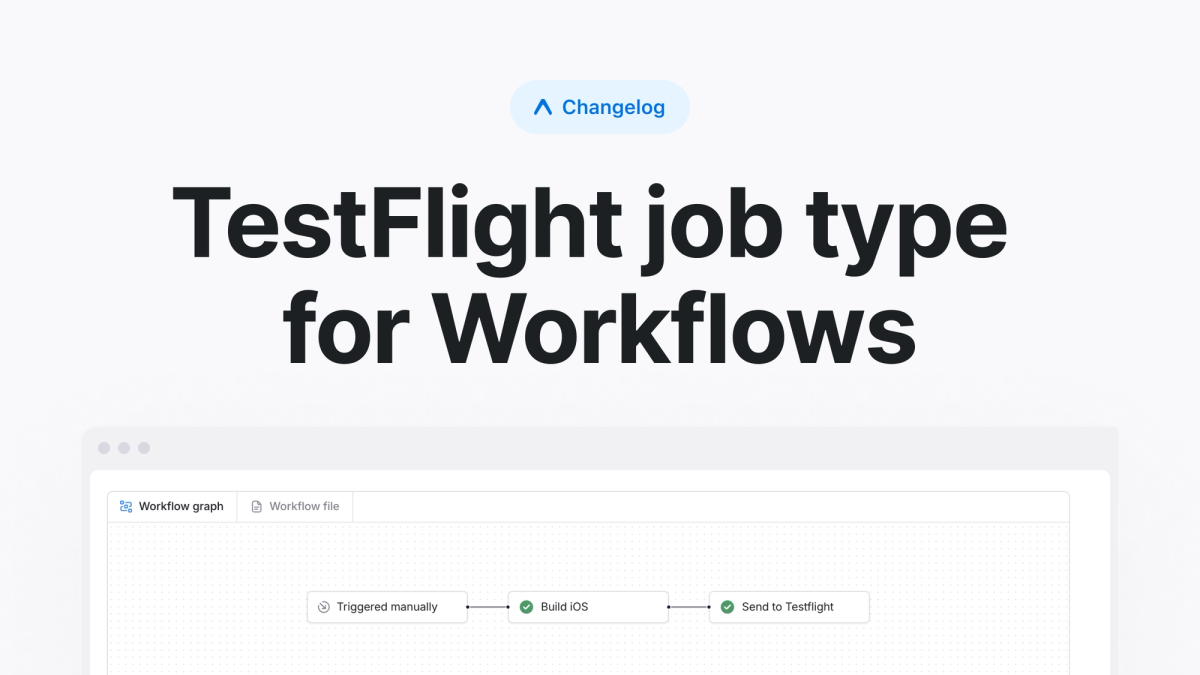
Using the TestFlight job
To distribute a build to TestFlight groups, add a job with type: testflight to your workflow:
The TestFlight job requires an iOS build created with distribution: store. You'll need to have your Apple Developer account configured for TestFlight submissions.
Development builds with TestFlight
One useful pattern we've found is distributing development builds through TestFlight. This approach eliminates the need to manage ad hoc provisioning profiles across your team's iOS devices, which simplifies your team's process for distributing development builds.
Examples
You can distribute to both internal and external TestFlight groups with a detailed changelog:
For external groups, the job automatically submits your build for Beta App Review unless you explicitly set submit_beta_review: false. This ensures your app can be distributed automatically to external testers once Apple's review is complete.
You can also upload builds with just a changelog. This way, the build will only get added to internal groups with "auto-distribute" enabled:
Learn more about the TestFlight job type in our pre-packaged jobs documentation.