
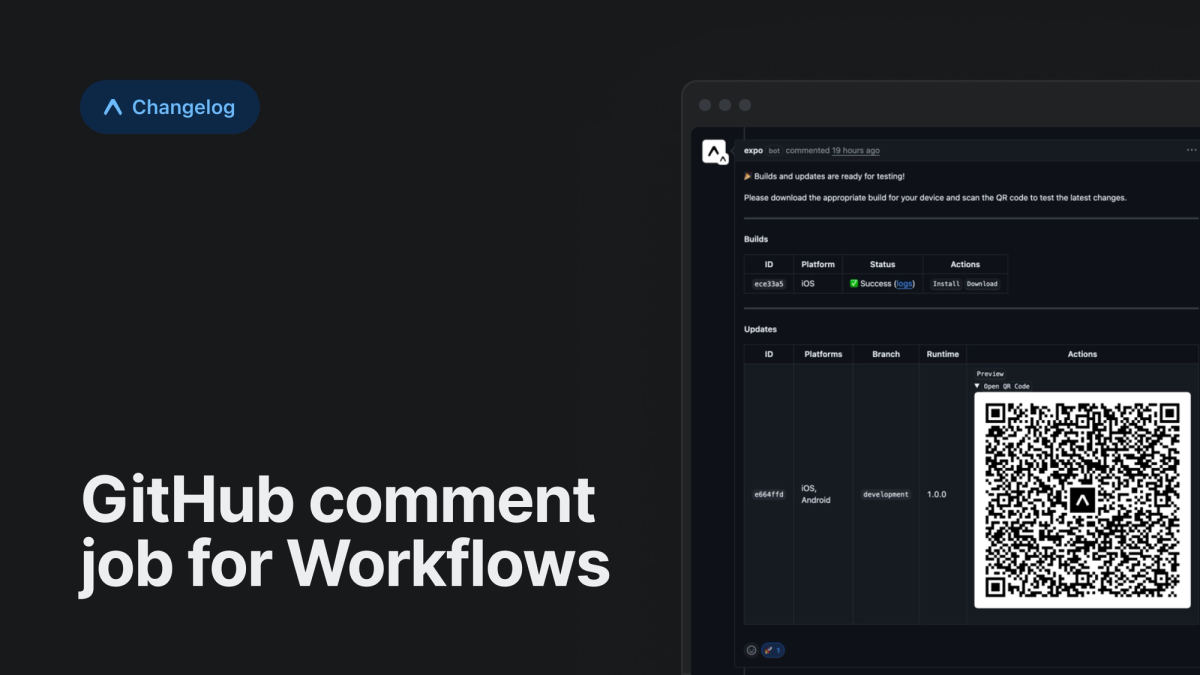
The GitHub comment job posts reports of your workflow's completed builds and updates to GitHub pull requests. It makes it easy for your reviewers and testers to see what your changes will look like once they're deployed.
Using the GitHub Comment job
To post build and update reports to a GitHub pull request, add a job with type: github-comment to your workflow:
The job above will auto-detect the build and update IDs in your workflow and include them in a GitHub comment.
The job operates in two modes: auto-with-overrides mode (default) and payload mode for fully custom comments.
Auto-discovery
By default, the job automatically discovers all completed builds and updates from your workflow. You can customize which builds and updates to include:
Payload mode
For complete control over comment content, use payload mode with markdown:
Additional use cases
The GitHub comment job is flexible, so that it can fit your team's needs. You can combine the control flow properties of jobs, like needs and after, to post specific messages about job statuses, like in this example:
Learn more about the GitHub Comment job type in our prepackaged jobs documentation.